Containerizing LLMs: CUDA, Drivers, and Image Optimization Guide
- Mark Chomiczewski
- 22 November 2026
- 0 Comments
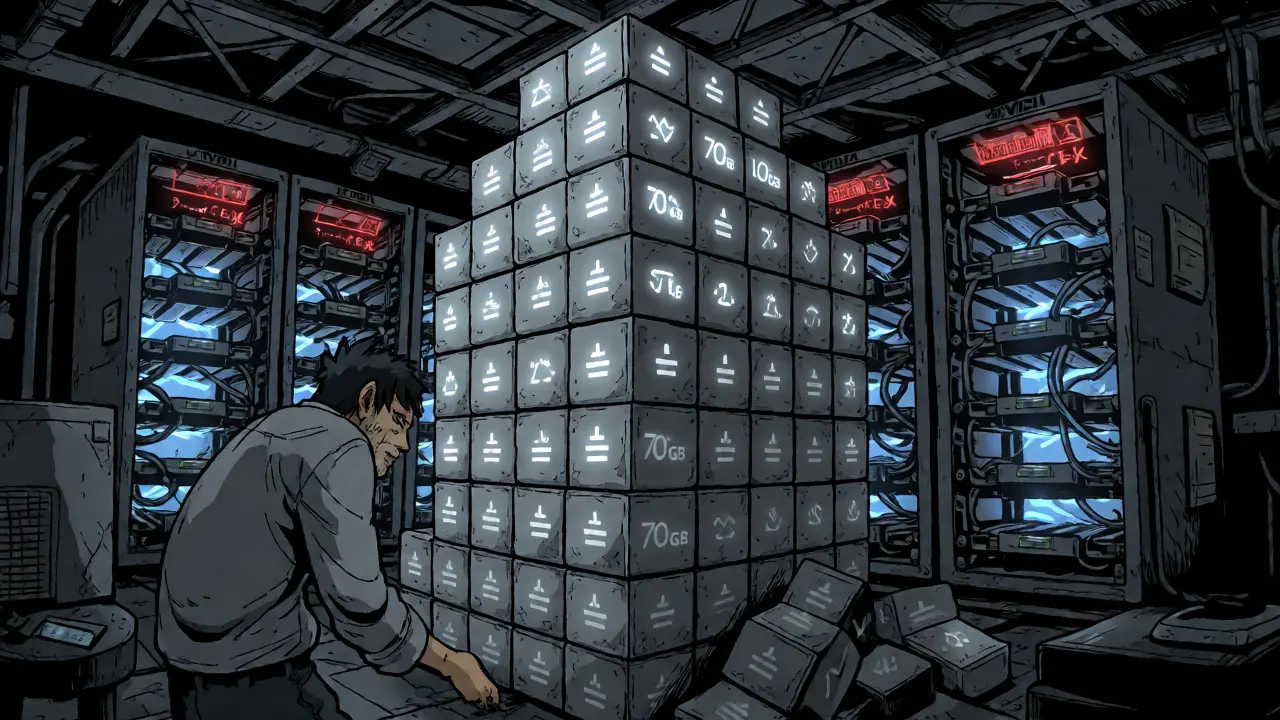
You’ve trained a massive language model. It’s brilliant, it’s huge, and now you have to ship it. But the moment you try to move that 70GB checkpoint from your dev machine to production, things break. Why? Because containerizing large language models isn’t just about wrapping code in Docker; it’s a delicate dance between NVIDIA CUDA toolkits, host drivers, and gigabytes of model weights. If you get the versions wrong, your GPU sits idle while you debug "driver mismatch" errors for three days straight.
The Hidden Cost of Bad Container Images
Let’s be real: standard Docker practices don’t cut it for LLMs. A typical Python web app image might be 500MB. An LLM inference container? Often 15-25GB before you even load the weights. This bloat kills cold-start times. In benchmarks shared by AWS architects in late 2025, loading a 32-billion parameter model from a standard S3 bucket into a poorly optimized container took nearly 20 minutes. Switch to an optimized setup with NVIDIA’s NGC base images and high-throughput storage like FSx for Lustre, and that drops under two minutes.
Why does this matter? Latency. Users don’t wait 15 minutes for a chatbot to wake up. The core problem is environment drift. According to Lakera.ai, 68% of LLM deployment failures stem from inconsistencies between development and production environments. You think you’re using CUDA 12.1 on both sides, but your host driver is outdated, or your container expects a different version of cuDNN. The result? Crashes, OOM (Out of Memory) errors, or silent performance degradation.
CUDA and Driver Compatibility: The Golden Rule
Here is the single most important rule in GPU containerization: The host driver must support the CUDA toolkit version inside the container. It sounds obvious, but it trips up everyone. NVIDIA maintains a strict compatibility matrix. If your host has Driver Version 535.104.05, it supports CUDA 12.2. If your container uses CUDA 12.4, you’re out of luck unless you upgrade the host driver.
| CUDA Toolkit Version | Minimum Linux Driver | Common Use Case |
|---|---|---|
| 12.1.1 | 530.30.02 | Stable production deployments (vLLM) |
| 12.4 | 550.54.14 | Newer features, H100 optimizations |
| 11.8 | 520.61.05 | Legacy models, older hardware |
Notice that you don’t need to install the full CUDA SDK in your container. You only need the runtime libraries. This is where many teams waste space. Installing `cuda-toolkit` brings in compilers and headers you don’t need at runtime. Instead, use the `-runtime` suffix in your base image tag, such as `nvidia/cuda:12.1.1-cudnn8-runtime-ubuntu22.04`. This cuts your base image size significantly and reduces attack surface.
Optimizing the Build: Multi-Stage Dockerfiles
How do you keep those 20GB containers manageable? Multi-stage builds are non-negotiable. Think of it like packing for a trip: you bring all your tools (compilers, build dependencies) to assemble the gear, but you leave the toolbox at home when you fly.
# Stage 1: Builder
FROM nvidia/cuda:12.1.1-devel-ubuntu22.04 AS builder
RUN apt-get update && apt-get install -y python3-pip git
COPY requirements.txt .
RUN pip install --no-cache-dir -r requirements.txt

# Stage 2: Runtime
FROM nvidia/cuda:12.1.1-cudnn8-runtime-ubuntu22.04
COPY --from=builder /usr/local/lib/python3.10/dist-packages /usr/local/lib/python3.10/dist-packages
COPY app.py .
CMD ["python", "app.py"]
This approach separates heavy build-time dependencies from the final image. For LLMs, there’s another trick: don’t bake the model weights into the image if you can avoid it. A 70B model in FP16 is ~140GB. Baking that into a Docker layer means every update to your code requires pushing/pulling 140GB. Instead, mount the weights at runtime from a fast storage system like EFS, Lustre, or a dedicated model registry. This keeps your image lightweight (under 5GB) and lets you swap models without rebuilding containers.
Serving Frameworks: Why vLLM Wins
You could write your own PyTorch inference loop, but you’d be reinventing the wheel. vLLM is currently the gold standard for high-throughput LLM serving with PagedAttention. It handles memory fragmentation better than naive PyTorch implementations, allowing you to fit more requests into the same GPU memory.
AWS Deep Learning Containers (DLCs) for vLLM are pre-optimized for this. They come with built-in support for tensor parallelism-splitting a model across multiple GPUs. If you’re running a 70B model on two A100s, vLLM automatically shards the layers. Without this, you’d spend weeks writing custom distribution logic. Plus, these DLCs include Elastic Fabric Adapter (EFA) drivers for low-latency networking between nodes, which is critical if you’re scaling beyond a single server.
Storage and Cold Starts: The Bottleneck
Even with a perfect image, loading weights is slow. Standard EBS volumes are too slow for multi-gigabyte checkpoints. You need throughput. AWS recommends FSx for Lustre for high-performance workloads. Benchmarks show loading times dropping from 15+ minutes to under 2 minutes when switching from standard EBS to Lustre with parallel read capabilities.
- Bake Weights: Good for small models (<10GB) or immutable infra. Fast startup, but huge images.
- Mount Volume: Best for large models. Requires fast storage backend (Lustre/GPFS).
- Lazy Loading: Advanced technique where only active layers are loaded. Supported by some newer frameworks but adds complexity.
One Reddit user reported reducing cold start from 18 minutes to 3.5 minutes simply by switching base images and adding Lustre. That’s not magic; it’s engineering. If your users complain about latency during autoscaling events, look at your storage I/O first, then your container size.

Kubernetes Integration and Resource Limits
Running containers manually is fine for testing. Production demands orchestration. Kubernetes dominates here, with 82% of enterprise deployments using it. But K8s doesn’t understand GPUs by default. You need the NVIDIA Device Plugin.
Crucially, set resource limits correctly. A common mistake is over-provisioning CPU/RAM and starving the GPU scheduler. For a 7B model, allocate at least 16GB GPU memory and 4 vCPUs. For 30B+ models, you’ll likely need multiple GPUs via tensor parallelism. If you don’t set memory limits on the container itself, a runaway process can exhaust GPU VRAM, crashing the entire node-not just the pod. Dr. Sarah Chen from Lakera.ai warns that insufficient isolation allows malicious prompts to trigger OOM crashes, affecting neighboring services.
Troubleshooting Common Pitfalls
If your container fails to see the GPU, check these three things immediately:
- NVIDIA Container Toolkit: Is it installed on the host? Run `docker run --gpus all nvidia/cuda:12.1.1-base-ubuntu22.04 nvidia-smi`. If this fails, the issue is host-level.
- Driver Mismatch: Check `nvidia-smi` on the host. Compare the CUDA version listed there with the one in your container. Remember: Host driver >= Container CUDA requirement.
- Permissions: Ensure the container user has access to `/dev/nvidia*` devices. Using `--privileged` works but is insecure; stick to `--gpus` flag with proper device plugins.
Debugging CUDA errors is painful because logs are often cryptic. Enable verbose logging by setting `CUDA_LAUNCH_BLOCKING=1` in your environment variables. This forces synchronous execution, making stack traces point to the actual failing kernel rather than a delayed error.
Do I need to install CUDA drivers inside my Docker container?
No. You should never install the NVIDIA kernel driver inside the container. The driver lives on the host OS. Inside the container, you only install the CUDA runtime libraries (like libcudart.so) which match the host driver's supported API version. Installing the driver in the container causes conflicts and increases image size unnecessarily.
Why is my LLM container so large (20GB+) and how do I fix it?
Large sizes usually come from including build tools (gcc, make) and unnecessary Python packages. Use multi-stage builds to strip these out. Also, ensure you're using `-runtime` base images instead of `-devel`. Finally, avoid baking model weights into the image; mount them externally at runtime to keep the image under 5GB.
What is the best storage backend for loading large model weights?
For cloud environments, AWS FSx for Lustre or Azure Files Premium are top choices due to high throughput and low latency. On-premises, NFS with high-speed SSDs or dedicated SANs work well. Avoid standard object storage (S3) for direct mounting during startup unless you use caching layers, as sequential read speeds are often insufficient for multi-gigabyte loads.
Can I run CUDA 12.4 containers on a host with CUDA 12.1 drivers?
Generally, no. The host driver must support the CUDA version used in the container. If your host driver only supports up to CUDA 12.1, running a container compiled against CUDA 12.4 will fail. Always check NVIDIA's compatibility matrix. Upgrading the host driver is usually required to run newer CUDA toolkits.
Is vLLM better than Hugging Face Transformers for production?
For high-throughput production serving, yes. vLLM uses PagedAttention to manage KV cache memory much more efficiently than standard HF Transformers, allowing higher batch sizes and lower latency. HF Transformers is great for experimentation and flexibility, but vLLM is optimized for speed and scale in containerized environments.