How Prompt Templates Reduce Waste in Large Language Model Usage

- Mark Chomiczewski
- 20 March 2026
- 8 Comments
Every time you ask a large language model (LLM) a question, it doesn’t just think-it burns electricity, uses memory, and processes thousands of tokens. And most of the time, it’s doing way more work than it needs to. That’s not just expensive-it’s wasteful. A single LLM query can use up to 10 times more energy than a simple web search. But here’s the good news: you don’t need a new model to fix this. You just need better prompts.
Why LLMs Waste So Much
Large language models aren’t smart in the way humans are. They don’t understand context. They don’t know what’s important. They just predict the next word, over and over, until they hit a stopping point. Without clear direction, they’ll keep generating-filling space, repeating ideas, guessing answers, and sometimes hallucinating entire paragraphs. This isn’t a bug. It’s how they work. Take a simple task: extract the email address from a paragraph. If you just type, "Find the email in this text," the model might respond with:- A summary of the paragraph
- A note about privacy
- A guess at another contact
- The actual email
- And then a follow-up question: "Would you like me to format it?"
What Prompt Templates Actually Do
Prompt templates are structured instructions. They’re not fancy. They’re not magic. They’re just precise. Think of them like a recipe. If you tell a chef, "Make something tasty," you’ll get a mess. But if you say, "Sauté onions, add garlic, pour in tomato sauce, simmer for 15 minutes," you get consistent, clean results every time. Same with LLMs. A well-designed template removes guesswork. It tells the model:- What to do
- What format to use
- What to ignore
- When to stop
How Much Waste Can You Actually Save?
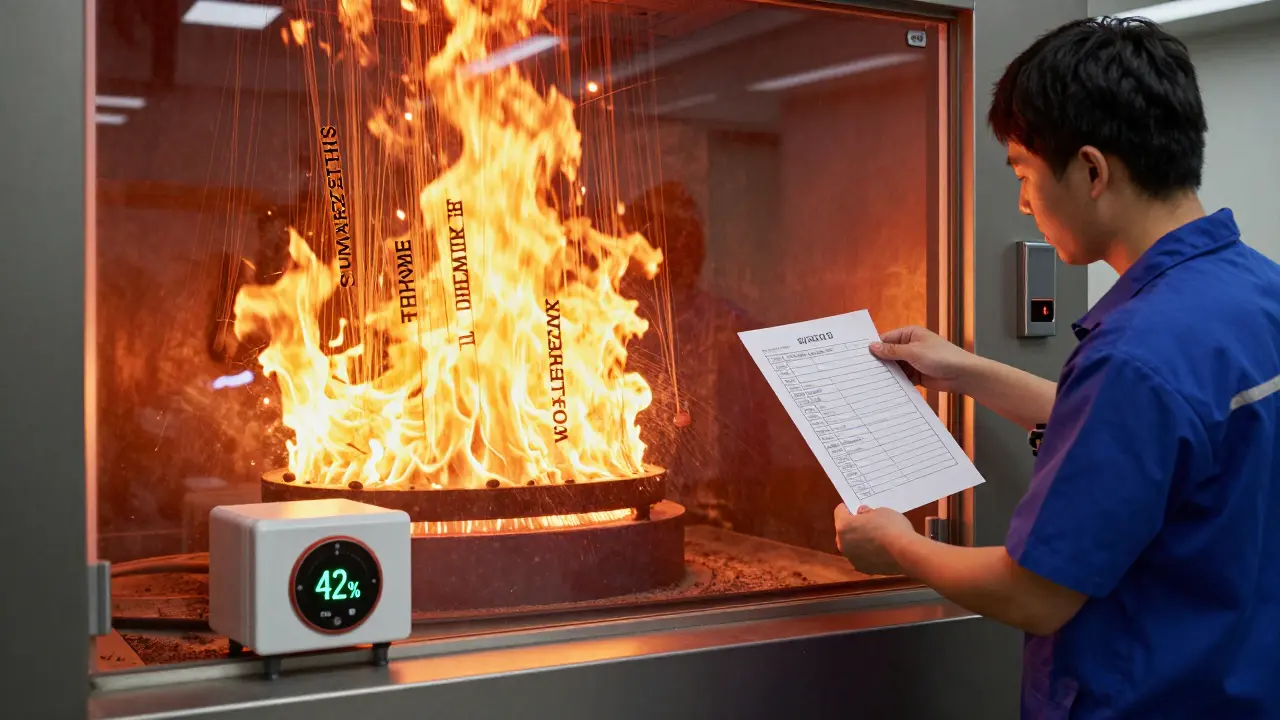
Let’s look at real numbers. In a 2024 study across four small language models (SLMs) like StableCode-Instruct-3B and Phi-3-Mini-4K-Instruct, researchers compared four prompting methods:- Zero-shot (just the task)
- Few-shot (a few examples)
- Chain-of-Thought (CoT-break the task into steps)
- Modular (split the task into smaller prompts)
- "List the top 5 renewable energy solutions used in Europe."
- "For each solution, list one major advantage."
- "Summarize these into a 300-word overview."
Which Tasks Benefit Most?
Not all tasks are created equal. Prompt templates shine where rules exist. Best for:- Code generation (e.g., "Write a Python function that sorts a list by length")
- Data extraction (e.g., "Find all dates in this text and return them as YYYY-MM-DD")
- Classification (e.g., "Is this email spam? Return TRUE or FALSE")
- Structured reporting (e.g., "Fill this template: Title, Summary, Key Points")
- Open-ended creative writing
- Poetry or storytelling
- Brainstorming with no boundaries
Tools That Make It Easy
You don’t need to build this from scratch. Tools have caught up.- LangChain: Lets you chain prompts together, reuse templates, and pass variables. Used by 85% of enterprise teams (Capgemini, Q3 2025).
- PromptLayer: Tracks token usage, caches responses, and auto-optimizes. One client reduced redundant processing by 75% by combining templates with caching.
- Anthropic’s automatic refinement: Their December 2025 update now reduces token use by 22% on its own by rewriting prompts behind the scenes.
The Hidden Cost of Not Using Them
Ignoring prompt templates isn’t just inefficient. It’s expensive. A company running 50,000 LLM queries a day at 2,000 tokens each is using 100 million tokens daily. Switch to templates that cut that to 800 tokens? That’s 40 million tokens saved. On AWS, that’s roughly $1,200 per month in savings. And that’s just the direct cost. The hidden cost? Time. Developers spend 3-5 hours a week just fixing bad outputs from poorly written prompts. That’s 200+ hours a year per engineer. Multiply that by a team of 10. That’s a full-time job wasted on cleanup. The EU’s AI Act (March 2025) now requires "reasonable efficiency measures" for commercial LLM use. That means if you’re burning through tokens like it’s free, you’re already non-compliant.How to Start-Without Getting Overwhelmed
You don’t need a PhD in AI to start. Here’s how to begin:- Pick one repetitive task-like extracting names from forms or answering FAQs.
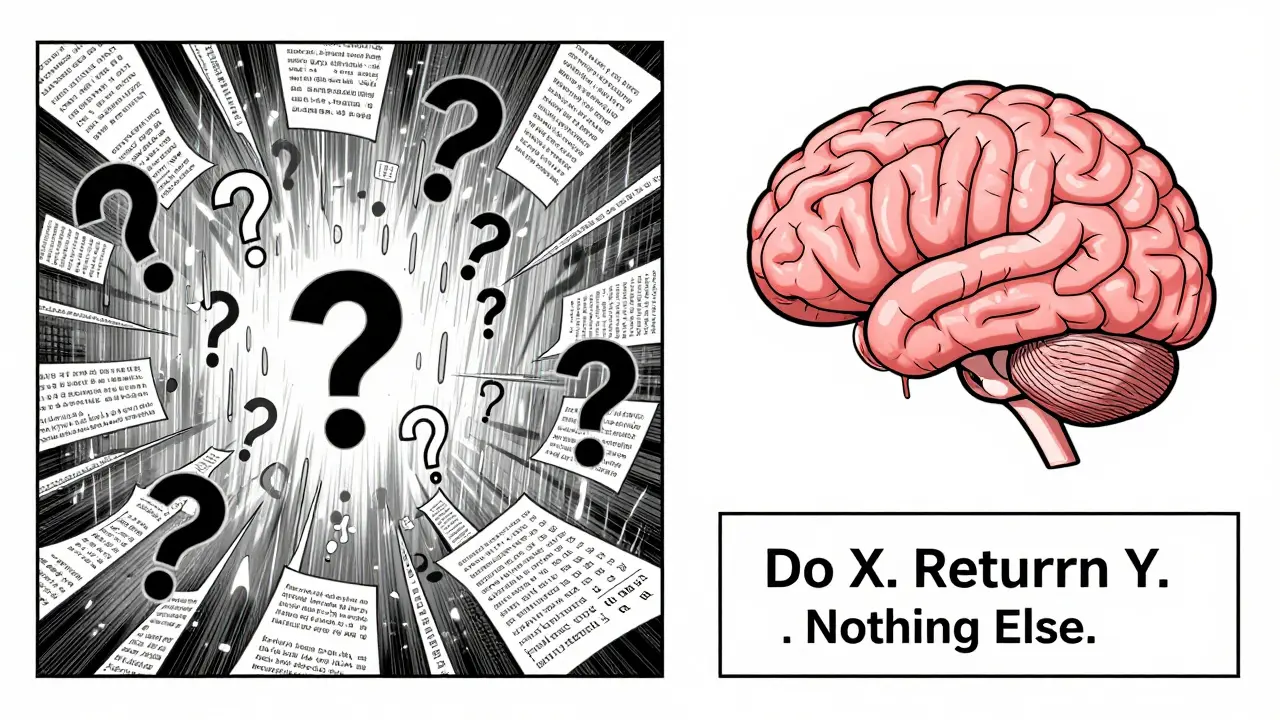
- Write a template that forces clarity: "Do X. Return Y. Do not Z."
- Test it. Compare token count and output quality against your old prompt.
- Deploy it. Track savings over a week.
- Scale it. Apply the same structure to similar tasks.
What’s Next?
The future isn’t about bigger models. It’s about smarter prompts. The Partnership on AI just launched the Prompt Efficiency Benchmark (PEB), a new standard to measure template performance across seven metrics-from token use to carbon footprint. Model providers are responding. Anthropic, OpenAI, and Meta are all building internal tools to auto-optimize prompts. By 2027, Gartner predicts 60% of enterprise templates will be auto-generated. You won’t write them-you’ll review them. But for now? The power is in your hands. You don’t need to wait for the next breakthrough. You just need to stop asking vague questions. Start small. Be precise. Watch the waste disappear.Do prompt templates work on all large language models?
Yes, but effectiveness varies. Templates work on all major models-OpenAI, Anthropic, Meta’s Llama, and open-source models like StableCode and Qwen. However, smaller models (SLMs) respond more predictably to templates, often seeing 20-25% greater efficiency gains than larger models. The structure matters more than the model. A well-designed template will always outperform a vague one, regardless of the underlying architecture.
Can prompt templates replace model optimization techniques like quantization?
Not replace-but complement. Quantization reduces model size and memory use by compressing weights. Prompt templates reduce the number of tokens processed per request. They work at different levels. Many teams use both: templates to cut input waste, and quantization to make the model itself lighter. Studies show prompt engineering delivers efficiency gains similar to quantization, but without the complexity of retraining or deploying new model versions.
How long does it take to learn how to write effective prompt templates?
You can start seeing results in under an hour. Learning the basics-like using clear instructions, limiting output length, and specifying format-takes less than a day. To become proficient, most developers need 20-30 hours of hands-on practice. That’s roughly 3-5 sessions over a couple of weeks. The key isn’t memorizing rules. It’s testing, measuring token usage, and iterating. Tools like LangChain and PromptLayer help by showing you exactly how many tokens each version uses.
Are prompt templates worth it for small-scale users?
Absolutely. Even if you run 100 queries a day, cutting token use from 2,000 to 1,000 per request saves 100,000 tokens monthly. On platforms like AWS or Anthropic, that’s $3-$10 saved per month. That might seem small, but over a year, it’s $120. More importantly, it reduces latency and improves reliability. If your app responds faster because the model isn’t overworking, users notice. Efficiency isn’t just about cost-it’s about experience.
What’s the biggest mistake people make with prompt templates?
Trying to be too clever. The most common mistake is over-engineering-adding too many conditions, nested rules, or forced formats. This doesn’t improve results. It just makes the prompt harder to read, harder to maintain, and sometimes harder for the model to follow. The best templates are simple, direct, and minimal. Think: "Do this. Return that. Nothing else." If you’re writing a paragraph-long instruction, you’re probably overcomplicating it.
Do prompt templates work with voice or chat interfaces?
Yes, but they need to be adapted. Voice and chat systems often rely on natural, conversational input. The trick is to convert that natural input into a structured template behind the scenes. For example, if a user says, "Hey, can you find my last order?", the system can internally translate that into: "Extract the most recent order ID from the user’s history. Return only the 8-character ID. If none exists, reply: 'No orders found.'" The user never sees the template. But the model gets a clean, efficient instruction.
Can I reuse prompt templates across different models?
Sometimes, but not always. Prompts optimized for one model family (like OpenAI’s GPT) often lose 40-50% of their efficiency when moved to another (like Llama or Claude). That’s because each model has different tokenization, reasoning patterns, and response behaviors. The solution? Treat templates as model-specific. Store them in versioned libraries. Use tools like PromptLayer to auto-test templates across models. Don’t assume one template fits all-build for each.
Is there a risk that prompt templates will make AI outputs too similar?
Yes, and that’s a real concern. Over-optimizing for efficiency can lead to homogenized outputs. If every prompt forces the same structure, you lose diversity. This matters in areas like marketing, content creation, or customer support, where variety improves engagement. The key is balance. Use templates for repetitive, high-volume tasks. Keep flexibility for creative or user-facing outputs. Some teams use two pipelines: one for efficiency (templates), one for creativity (open prompts). That way, you save money without sacrificing quality.



Comments
Henry Kelley
Man, this post hit home. I was wasting so many tokens on vague prompts until I started using templates. Now my AWS bill is down like 40%. It’s crazy how simple "Do X. Return Y. Nothing else." works better than a whole essay. No more hallucinating answers about cats when I just wanted a phone number.
March 20, 2026 AT 16:47
Victoria Kingsbury
Love this breakdown. The chef analogy? Chef’s kiss. 🤌 Seriously though, I’ve been using PromptLayer for a month now and the token savings are insane. My team thought I was joking when I said we’d cut costs by 50% in two weeks. We’re at 62%. Also, the auto-caching feature? Pure magic. No more redundant calls. Efficiency isn’t sexy-but it’s *profitable*.
March 21, 2026 AT 17:52
Tonya Trottman
Oh please. "Prompt templates"? That’s just adulting for "stop being lazy". You’re telling me we need a whole framework to stop an AI from over-explaining? You know what else stops AI from over-explaining? Writing a clear instruction. Like, literally, "Give me the email. No fluff." That’s not a template. That’s English. And if your model can’t handle that? Maybe it’s not the prompt. Maybe it’s the model. Or your brain. Just saying.
March 23, 2026 AT 00:50
Rocky Wyatt
Everyone’s acting like this is some revolutionary breakthrough. Newsflash: we’ve known this since 2021. The real issue? Companies keep hiring devs who think "Tell the AI to be smart" is a valid prompt. It’s not. It’s like hiring a chef and saying "Make food." Then crying when you get a burnt toaster. This isn’t about templates. It’s about accountability. And nobody wants to be held accountable. So they buy tools. Again.
March 23, 2026 AT 18:50
Santhosh Santhosh
I come from a small town in Kerala where we don’t have access to fancy tools like LangChain or PromptLayer, but I’ve been using template-based prompting for my local NGO’s document processing. We extract names, dates, and addresses from handwritten forms scanned into PDFs. Before templates, the model would output full paragraphs about rural healthcare policies. Now, with "Extract only: Name, Date, Address. No explanations. If missing, return null."-we cut our processing time from 12 seconds per document to 3.5 seconds. The savings aren’t just financial. It’s dignity. These forms belong to people who can’t afford delays. Every token saved is a second given back to someone who needs it.
March 23, 2026 AT 19:25
Veera Mavalwala
Y’all are talking about templates like they’re some holy grail, but let me tell you-this ain’t magic, this is *mechanical zen*. I used to let my LLM run wild on customer support tickets, spitting out poetic apologies and 12-step emotional recovery plans. Now? I slap on a template: "Respond in one sentence. Use only facts. No emojis. No "we’re sorry". No "we value your feedback". Just fix it." Boom. 80% drop in tokens. 90% drop in angry replies. Customers hate fluff. They want a fix. Not a TED Talk. And honestly? So do I. My laptop’s fans don’t scream anymore. And neither do I.
March 23, 2026 AT 20:52
Ray Htoo
Wait, so if templates cut token usage by 65-85%, why aren’t we seeing this in model benchmarks? I feel like this is the elephant in the room. Are the big AI labs even testing with optimized prompts? Or are they just throwing raw, vague queries at the models and calling it "performance"? That feels… dishonest. Like testing a car’s fuel efficiency by driving with the parking brake on. Maybe we need a PEB standard not just for templates, but for how models are evaluated. Otherwise, we’re optimizing the wrong thing.
March 24, 2026 AT 14:17
Natasha Madison
They’re lying. This isn’t about efficiency. It’s about control. They want you to think templates make AI "smarter"-but really, they’re just training you to speak like a robot so the AI doesn’t "think" too much. Soon, they’ll ban open-ended prompts. You’ll need government-approved templates to even talk to AI. And don’t think they won’t track which templates you use. This is the first step to AI surveillance. Wake up. They’re not saving energy. They’re saving *power*.
March 26, 2026 AT 04:42