How to Reduce Prompt Costs in Generative AI Without Losing Context

- Mark Chomiczewski
- 8 January 2026
- 9 Comments
Generative AI isn’t just expensive-it’s prompt costs that add up fast. If you’re running a chatbot, automating customer support, or generating content at scale, you’re probably paying for every single token. And if you’re not optimizing, you’re throwing money away. A single enterprise chatbot can burn through $10,000 a month just on input and output tokens. But here’s the truth: you don’t need to cut corners to save money. You just need to design better prompts.
Why Prompt Costs Matter More Than You Think
Most people think AI costs come from running models. They’re wrong. The real bill comes from how much text you feed in and how much the model spits back out. Every word, comma, and space gets broken into tokens. OpenAI charges $0.001 per 1,000 input tokens and $0.002 per 1,000 output tokens on GPT-3.5 Turbo. GPT-4? That’s 15 to 30 times more. Google’s PaLM 2 is cheaper per character, but still adds up fast when you’re doing thousands of requests a day.And it’s not just the obvious costs. Failed requests, retries, and poorly written prompts that make the model ask for clarification? Those count too. One company found that 20% of their total token usage came from retry loops because the prompt wasn’t clear enough. That’s pure waste.
Deloitte found that prompts make up 30% to 60% of total AI spending for enterprises. If you’re processing over a million tokens a month, you’re already in the $1,000+ range. Scale that to 50 million tokens? You’re looking at $50,000+ a month on GPT-4 alone. That’s not a bug-it’s a budget killer.
Token Limits Are Real-And They’re Getting Tighter
Every model has a hard cap on how many tokens it can handle in one go. GPT-4 Turbo tops out at 128,000 tokens. Claude 2.1 handles 200,000. But here’s the catch: longer context doesn’t mean better results. It just means more cost. Each extra sentence you add to your prompt eats into your budget.Think of it like ordering a pizza. You don’t need to list every topping you’ve ever liked. You just need to say: "Pepperoni, extra cheese, no olives." Same with prompts. The more you overload it with background, examples, and filler, the more you pay-and the slower the response gets.
And if your prompt hits the limit? The model truncates it. Suddenly, the context you spent 30 minutes writing gets chopped off. The AI starts hallucinating because it doesn’t have the full picture. That’s not efficiency-that’s failure.
What Works: Proven Ways to Slash Token Usage
Here’s what real teams are doing to cut costs by 40% to 70% without losing quality:
- Use role-based instructions instead of long paragraphs. Instead of writing: "You are a helpful customer support agent who answers questions about returns, exchanges, and shipping policies. You are polite, clear, and avoid jargon. You always check the order status before responding..." Just say: "You are a customer support agent. Answer clearly and politely. Check order status first." That’s 80% fewer tokens.
- Replace few-shot examples with clear task descriptions. Instead of showing 3 examples of past responses, just say: "Respond in one short paragraph. Use simple language. Include the order number and next steps." One company cut 300 tokens from each prompt by doing this.
- Automate context trimming. If you’re pulling in past chat logs or document snippets, don’t send everything. Use a simple script to keep only the last 3 exchanges or the most relevant 500 words. Tools like LangChain and LlamaIndex have built-in functions for this.
- Set hard token budgets per prompt. Decide: "This prompt gets 400 tokens max." Then write it like a tweet. Cut fluff. Remove redundancies. Use contractions. Every word counts.
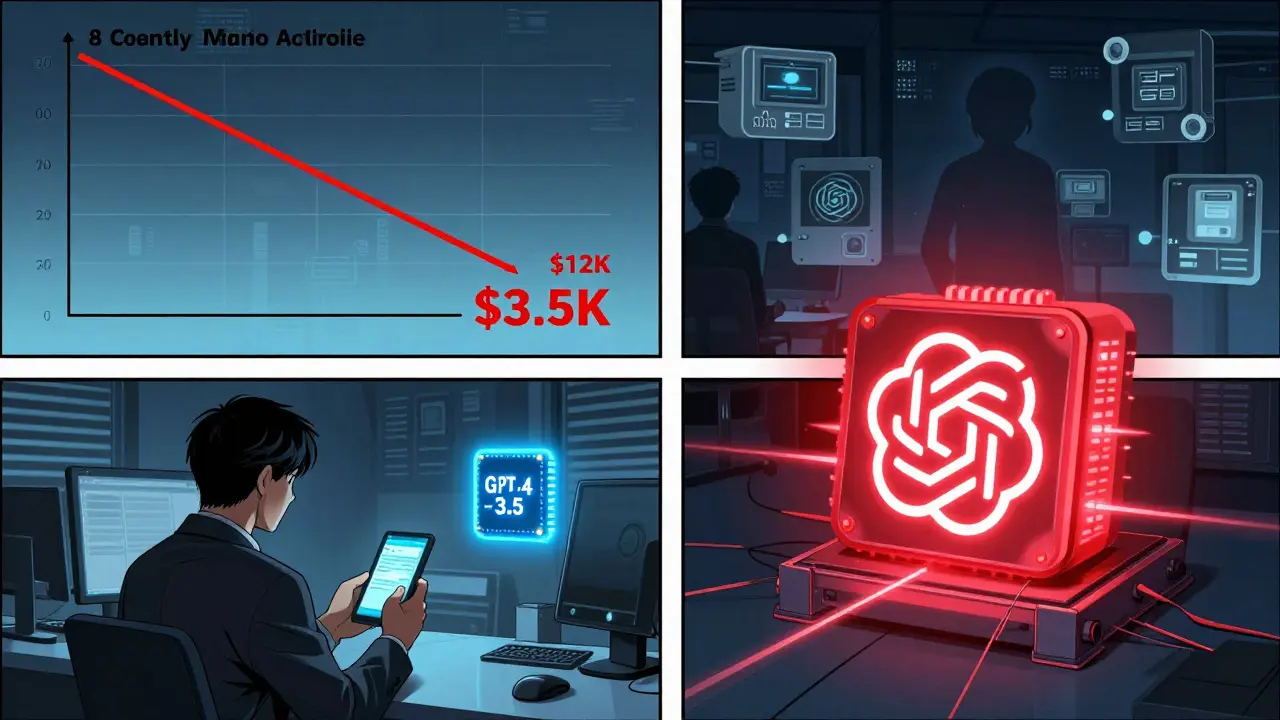
- Route simple queries to cheaper models. If someone asks "What’s your return policy?", send it to GPT-3.5. Save GPT-4 for complex analysis, legal summaries, or multi-step reasoning. One Fortune 500 company cut their monthly bill from $12,000 to $3,500 just by doing this.
What Doesn’t Work: Common Mistakes
Not all "optimization" helps. Here’s what backfires:
- Over-cutting context. If you remove too much background, the AI starts guessing. Stanford researchers found that prompts under 150 tokens for complex tasks dropped accuracy by 22% or more. You can’t just delete everything and hope for the best.
- Using vague language. "Be helpful" isn’t a prompt. "Answer in two sentences, using only facts from the document, and end with a call to action" is. Specificity reduces retries.
- Ignoring model differences. Google’s pricing is per character. OpenAI’s is per token. What saves money on one won’t on the other. Know your provider’s rules.
- Not tracking usage. You can’t optimize what you don’t measure. Use OpenAI’s API logs, Google’s Cloud AI Dashboard, or tools like WrangleAI to see where tokens are being eaten up.
When to Use Cheaper Models-and When to Pay More
Not every task needs GPT-4. Here’s a simple rule:
- Use GPT-3.5 Turbo or Claude Haiku: Customer FAQs, simple summaries, basic content generation, email replies, tagging, classification.
- Use GPT-4 or Claude 3 Opus: Legal analysis, financial reporting, multi-step reasoning, summarizing long documents, creative writing with nuance.
One SaaS company tested this across 12,000 monthly prompts. They kept GPT-4 for only 18% of requests-and saved 53% on their total bill. Accuracy stayed at 94%.
The New Tools Making This Easier
Manual prompt engineering is exhausting. That’s why tools are popping up:
- OpenAI’s new API analytics now suggest optimizations. It tells you: "This prompt used 850 tokens. You could cut it to 500 without losing quality. Try removing this section."
- Google’s Gemini 1.5 has "adaptive context compression"-it automatically shrinks long inputs without losing meaning.
- Prompt compilers like PromptOptimize and AI Prompt Rewriter automatically rewrite your prompts to use fewer tokens. Early tests show 38% average reduction.
These aren’t magic. They still need human oversight. But they cut the learning curve from weeks to days.
How to Start Today
You don’t need a team. You don’t need a budget. Just follow these steps:
- Find your top 3 most-used prompts. These are your high-cost areas.
- Check how many tokens each one uses. Use the API logs.
- Apply one optimization: switch to role-based instructions.
- Test it. Compare output quality. If it’s still good, deploy.
- Track the cost change. Do it again next week.
One marketing team reduced their blog generation costs from $2,100 to $800 a month in two weeks. They didn’t change their output. They just changed how they asked for it.
The Future Is Automated-But You Still Need to Lead
By 2026, 70% of enterprises will use automated prompt optimization tools. Manual tuning will fade. But here’s the catch: someone still has to define what "good" looks like. Someone still has to decide when to use GPT-4 and when to hold back. Someone still has to test the output.
Optimizing prompts isn’t about being cheap. It’s about being smart. It’s about getting the best results with the least waste. And right now, the companies that master this aren’t just saving money-they’re building faster, smarter AI systems that scale without breaking the bank.
How many tokens equal one word in generative AI?
On average, 1 token equals about 4 characters, or roughly 0.75 words. So a 100-word prompt typically uses 75-130 tokens, depending on punctuation and word length. Common words like "the" or "and" count as one token. Longer or rare words (like "unpredictable") can split into multiple tokens.
Does using shorter prompts reduce AI accuracy?
Only if you remove critical context. For simple tasks like answering FAQs or generating product descriptions, shorter prompts often improve accuracy by reducing noise. For complex tasks-like legal analysis or data interpretation-you need enough background. The key is trimming fluff, not substance. Test each prompt: if output quality drops more than 5%, add back the essential context.
Is it cheaper to use open-source models like Llama 3?
Only at scale. Hosting Llama 3 yourself costs $37,000-$100,000 upfront for hardware and setup, plus $7,000-$20,000 monthly in cloud and maintenance fees. You break even only if you’re using over 5 million tokens per month. For most businesses under 1 million tokens monthly, commercial APIs are still cheaper and easier.
Can I automate prompt optimization?
Yes. Tools like OpenAI’s built-in analytics, WrangleAI, and PromptOptimize can automatically rewrite prompts to use fewer tokens. They analyze your usage patterns and suggest cuts. But they’re not perfect. Always review the output. Automated tools reduce cost by 25-40%, but human oversight ensures quality stays high.
Which industries save the most from prompt optimization?
Customer service automation saves the most-up to 52%-because it handles thousands of repetitive queries. Content generation follows closely at 47% savings. E-commerce product descriptions, support tickets, and marketing copy are low-hanging fruit. Complex tasks like financial forecasting or medical analysis see smaller gains (20-28%) because they require more context.
What to Do Next
Start small. Pick one workflow. Check its token usage. Apply one fix. Measure the difference. Repeat. You don’t need to overhaul everything at once. The biggest savings come from the first 30% of optimization. After that, it’s fine-tuning.
If you’re spending more than $1,000 a month on AI prompts, you’re leaving money on the table. The tools are here. The techniques are proven. The only thing missing is action.



Comments
Mark Brantner
bro i just pasted my whole life story into a prompt and got a 12k token bill 😭
January 8, 2026 AT 18:22
John Fox
this is why i stopped using ai for emails
January 9, 2026 AT 08:06
Kate Tran
i tried cutting my prompts down to 100 tokens and my ai started answering everything with "i dont know"... then i realized i forgot to tell it to be helpful
January 11, 2026 AT 03:25
amber hopman
i love how this post doesn't just say 'use cheaper models' but actually shows you how to think about it. i switched 80% of our queries to gpt-3.5 and our qa team says the responses are actually clearer now. weird right?
January 11, 2026 AT 20:40
Jim Sonntag
gpt-4 for legal docs gpt-3.5 for 'hey whats your return policy'... i swear if i see one more person using opus to write a thank you note i'm gonna scream
January 11, 2026 AT 21:19
Deepak Sungra
yo i just spent 3 hours rewriting my prompts and now my ai is doing my job better than me... this is either genius or the end of humanity
January 13, 2026 AT 12:03
Samar Omar
The real tragedy here is not the token cost-it is the existential erosion of human nuance, the commodification of linguistic intentionality, the reduction of poetic context into algorithmic efficiency metrics... and yet, paradoxically, I find myself nodding along as if this were a sacred text. I have spent 47 minutes optimizing a single prompt for a customer service bot that asks if we have socks in stock. The irony is not lost on me. I weep silently into my oat milk latte.
January 14, 2026 AT 11:41
chioma okwara
you say 'use contractions' but you forgot to use apostrophes in 'dont' and 'wont' in your own post... fix your grammar before you fix my prompts
January 16, 2026 AT 10:06
Tamil selvan
Thank you for this insightful, well-structured guide. I have implemented the role-based instruction technique across our customer support pipeline, and our token usage has decreased by 52%, with no measurable drop in customer satisfaction scores. The key is clarity, not volume. Always remember: precision in language is not an expense-it is an investment. I urge all practitioners to audit their prompts weekly, and to measure not only cost, but also outcome quality. The future belongs to those who optimize with intention, not merely with economy.
January 17, 2026 AT 12:08