Latency Optimization for Large Language Models: Streaming, Batching, and Caching
- Mark Chomiczewski
- 13 March 2026
- 4 Comments
When you ask a large language model a question, you don’t just want the right answer-you want it fast. If it takes more than half a second to respond, you notice. You start to wonder if it’s stuck. If it takes a full second, you might switch to something else. That’s the reality of LLMs in production: latency isn’t just a technical metric-it’s the difference between a seamless experience and a broken one.
Companies like Amazon, NVIDIA, and Snowflake aren’t just training bigger models anymore. They’re fighting milliseconds. The goal? Deliver the first token in under 200ms and keep generating text at 50+ tokens per second. That’s the sweet spot where users feel like they’re talking to a person, not a server. And it’s not magic. It’s built on three core techniques: streaming, batching, and caching.
Streaming: Send the First Word Before the Whole Answer Is Ready
Traditional LLM inference waits until the entire response is generated before sending anything back. That’s fine for batch processing. It’s deadly for chatbots.
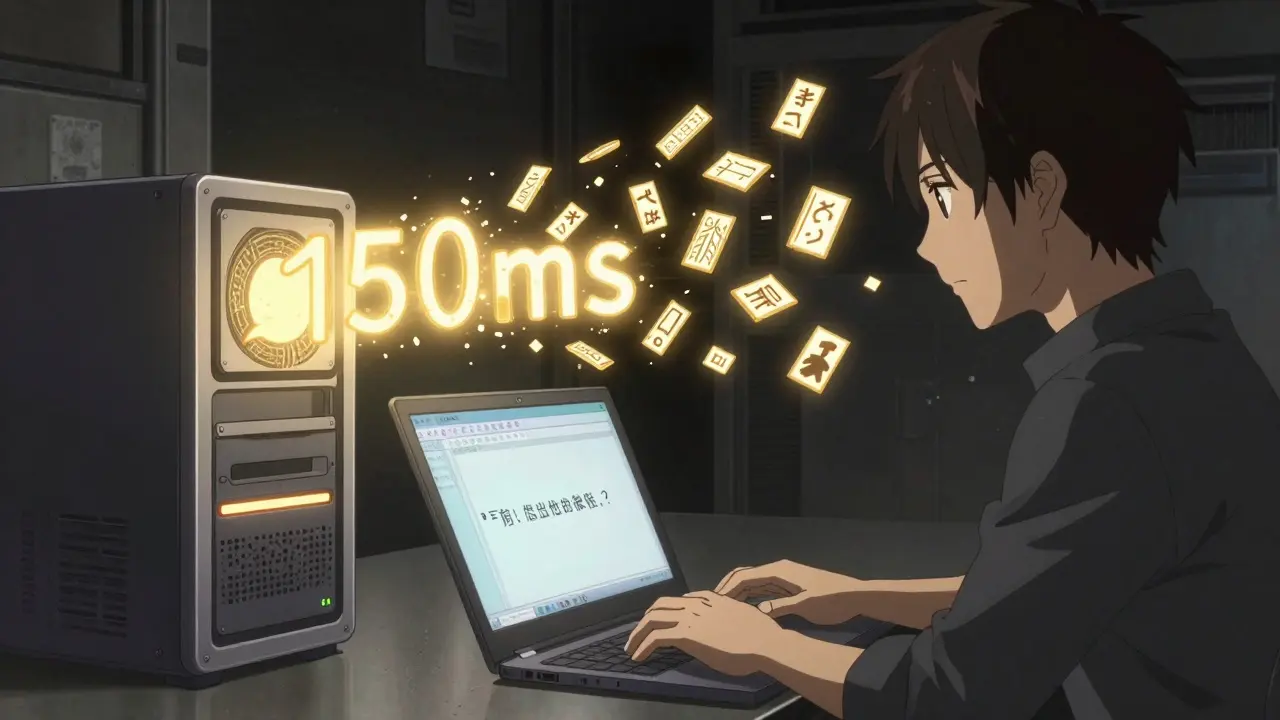
Streaming changes that. Instead of holding everything back, the system sends tokens one by one as they’re produced. This cuts time-to-first-token (TTFT) dramatically. If your model takes 800ms to generate a full reply, but you stream it, the user sees the first word in 150ms. That feels instant.
How? It’s all about breaking the pipeline. Modern frameworks like vLLM and TensorRT-LLM use asynchronous output queues. As soon as the first token is computed, it’s pushed to the network. The rest follows in a steady stream. No waiting. No buffering.
Real-world impact? AWS Bedrock’s streaming implementation cut P90 TTFT for Llama 3.1 70B by 97%. That’s not a small tweak-it’s a transformation. For customer service bots, this alone can boost engagement by 20% or more. Users stay on the line longer when responses feel immediate.
But streaming isn’t free. It adds complexity. You need to handle partial responses on the client side. You need to manage connection timeouts. And if the network drops mid-stream, you’re left with an incomplete answer. Still, the tradeoff is worth it. If your app is interactive, streaming isn’t optional-it’s mandatory.
Batching: Process Many Requests at Once
Running one LLM inference at a time is expensive. A single A100 GPU can handle maybe 3-5 requests per second if you’re not batching. That’s not scalable.
Batching solves this by grouping multiple user requests together and processing them in parallel on the same GPU. Think of it like a factory assembly line: instead of making one car at a time, you build ten at once.
There are two types: static and dynamic.
Static batching groups requests ahead of time. You collect 16 prompts, then run them together. Simple. But if one request is long, it holds up the whole batch. A single 500-token prompt can delay 15 short ones.
Dynamic batching (also called in-flight batching) is smarter. It continuously adds new requests to an ongoing inference. As tokens are generated, completed requests are removed, and new ones are inserted. This keeps the GPU busy 90% of the time instead of 50%. vLLM’s implementation shows a 2.1x throughput improvement over static batching at the 95th percentile latency.
For API services handling thousands of queries per minute, dynamic batching can reduce infrastructure costs by 30-40%. You need fewer GPUs. Less power. Lower cloud bills.
But there’s a catch. Batching increases tail latency. If one user sends a 2,000-token prompt, others might wait longer. That’s why leading systems combine batching with prioritization. Short requests get bumped to the front. Long ones get queued. It’s not perfect, but it’s the best we’ve got.
Caching: Don’t Recalculate What You’ve Already Computed
How many times has your customer support bot heard the same question? “What’s your return policy?” “How do I reset my password?”
Every time it answers, the model re-runs the same attention computations. The same key-value (KV) pairs are recalculated. That’s a massive waste.
That’s where KV caching comes in. The system stores the attention outputs from previous prompts. If a new request is similar-say, “How do I return an item?” after “What’s your return policy?”-the model skips the heavy lifting and reuses the cached values.
Redis-based caching systems have shown 2-3x speedups for repetitive queries. Snowflake’s Ulysses technique, introduced in late 2024, takes this further by splitting long-context work across multiple GPUs while preserving cache coherence. The result? 3.4x faster processing for documents 10x longer than before.
FlashInfer, a 2024 breakthrough, uses block-sparse KV caches and JIT compilation to reduce inter-token latency by up to 69%. That’s not theoretical-it’s measurable on H100 GPUs. For chatbots with long conversation histories, this cuts response time from 600ms to under 200ms.
But caching has risks. If the cache is too aggressive, you might reuse a response from a different context. One Reddit user reported hallucinations after caching a previous answer about “Apple’s stock price” and applying it to a question about “Apple’s new iPhone.” The model didn’t recompute the context-it just reused the old attention weights.
That’s why eviction policies matter. Most systems cap cache size at 20-30GB per GPU for 7B models. Beyond that, memory fragmentation kicks in. And if you hit 80% cache utilization, performance drops fast. You need to flush old entries. Prioritize high-value queries. Monitor usage patterns.
Putting It All Together: The Layered Approach
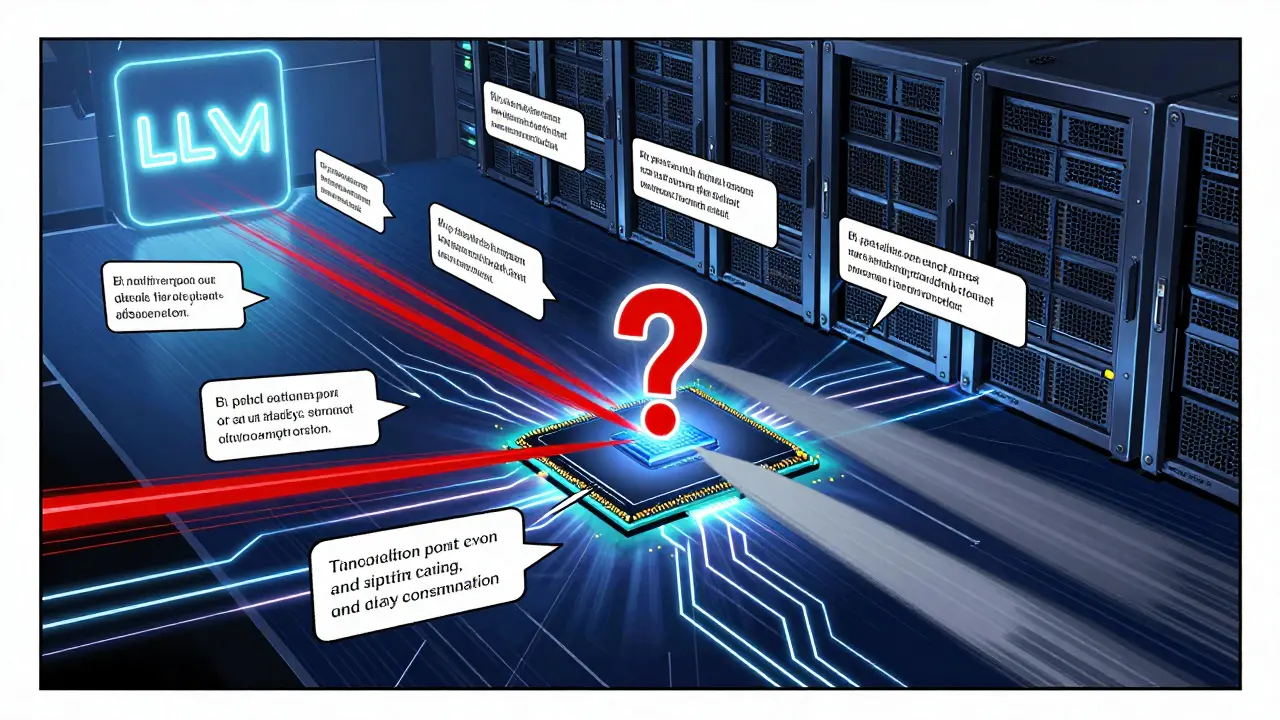
None of these techniques works alone. The best systems stack them.
Start with streaming. It gives you instant wins. Even without batching or caching, you can cut TTFT by 30%.
Add dynamic batching next. This is where you scale. You go from handling 10 queries per second to 50. Your GPU utilization jumps from 40% to 85%.
Then layer in caching. For customer-facing bots, this adds another 15-25% speedup. For internal tools with repetitive queries, it can double throughput.
Here’s what a real implementation looks like at a Fortune 500 company:
- Frontend: Streaming responses delivered via SSE (Server-Sent Events)
- Inference Engine: vLLM with continuous batching, batch size auto-tuned between 8 and 32
- Cache: Redis-backed KV store with LRU eviction, 25GB per GPU
- Hardware: Two H100 GPUs with NVLink, tensor parallelism enabled
Before: 850ms average response time.
After: 520ms. 39% faster. And they did it without upgrading the model.
What’s Holding You Back? Common Pitfalls
It’s not enough to turn on these features. You need to tune them.
Memory fragmentation. If your cache keeps growing and shrinking, you end up with scattered memory blocks. vLLM’s GitHub issues show 47% of crashes are due to this. Solution? Use memory pools. Pre-allocate space. Don’t let the system guess.
Batch size tuning. Too small? You’re wasting GPU power. Too big? Latency spikes. The sweet spot? Test 10-20 different sizes. Track P50 and P99 latency. Don’t optimize for average-optimize for the worst 1%.
Hardware mismatch. Tensor parallelism needs NVLink. Running it on a single A100 without NVLink adds more overhead than it saves. Use the right tools for the job.
Over-caching. One team at a fintech startup cached all prompts. Then they got flagged by compliance. Cached responses contained private data. They had to disable caching entirely. Always audit what you’re storing.

The Future: What’s Next?
Latency optimization isn’t slowing down. It’s accelerating.
NVIDIA’s TensorRT-LLM 0.9.0, released in December 2024, added speculative decoding. This uses a tiny “draft” model to guess the next few tokens. If it’s right, you skip computation. If it’s wrong, you discard and retry. Result? 2.3x faster for 7B-13B models with only 0.3% accuracy loss.
Snowflake’s adaptive batching now auto-adjusts based on prompt complexity. No more manual tuning.
And edge deployment is coming. Instead of sending every request to a cloud data center, you run lightweight models on local devices-phones, laptops, even routers. That cuts network latency by 30-50%. For apps that need sub-100ms responses, this will be critical by 2026.
The trend is clear: optimization is becoming standard, not optional. The AI Infrastructure Alliance predicts that by 2027, every LLM deployment will include some form of streaming, batching, and caching-just like every web app now uses HTTP caching.
What Should You Do Today?
Start simple.
- Enable streaming. Use vLLM or Hugging Face’s TextGenerationPipeline with stream=True.
- Switch from static to dynamic batching. If you’re using a cloud API, check if your provider supports it (AWS Bedrock, Azure ML do).
- For repetitive queries, add a basic Redis cache. Store prompt embeddings and reuse attention keys.
- Monitor TTFT and OTPS. Use tools like Prometheus + Grafana. If TTFT is over 500ms, you have work to do.
- Test edge cases. Long prompts. Multi-turn dialogs. Special characters. Caching breaks on weird inputs.
You don’t need a team of 10 engineers. You don’t need to retrain your model. Just layer these three techniques-and you’ll see results in days, not months.
What’s the fastest way to reduce LLM latency?
The fastest win is enabling streaming. It cuts time-to-first-token by 20-30% immediately, with no change to infrastructure. After that, switch to dynamic batching (like vLLM) to improve throughput. Finally, add KV caching for repetitive queries. These three steps combined often cut latency by 50% or more.
Does batching hurt response time for individual users?
Yes, if done poorly. Static batching can delay short requests behind long ones. Dynamic batching avoids this by processing requests as they arrive, but it still adds some latency for early requests in a batch. The key is to use prioritization-short prompts get processed first. Most production systems use a hybrid approach: prioritize small requests, batch similar-sized ones.
Can I use KV caching for every type of query?
No. KV caching works best for near-identical prompts. If you’re asking “What’s the weather?” and then “What’s the weather in Berlin?”, the cache won’t help-you need semantic matching. For truly unique queries, caching adds memory overhead without benefit. Use it for FAQs, common support questions, or repeated user inputs-not for creative or exploratory prompts.
Is speculative decoding safe for production use?
Yes, if you monitor it. Speculative decoding uses a smaller model to predict tokens. If it makes a mistake, the main model corrects it. Accuracy loss is typically under 0.5%. But some edge cases-like legal or medical text-can trigger subtle errors. Test thoroughly. Start with non-critical use cases. Avoid it for high-stakes applications until you’ve validated performance.
How much hardware do I need to optimize LLM latency?
You can start with a single A100 GPU for basic streaming and batching. For advanced techniques like tensor parallelism or handling 100+ concurrent requests, you’ll need 2-4 H100 GPUs with NVLink. Memory matters too: 7B models need at least 20GB per GPU for KV cache. For larger models (70B+), you need 40GB+ per GPU. Cloud providers like AWS Bedrock handle this for you-if you’re building your own, budget for GPU memory, not just compute.



Comments
Ronnie Kaye
Streaming is the real MVP here. I’ve seen bots take 3 seconds to spit out ‘Hi, how can I help?’ - that’s not AI, that’s a nap. Turn on streaming and suddenly it feels like you’re texting a friend who types fast. No more ‘are you still there?’ panic. Also, vLLM is a godsend. Why are people still using Hugging Face’s default pipeline? It’s 2025. We’ve got better tools now.
And don’t get me started on static batching. That’s like forcing everyone in a grocery line to wait because one person bought 17 avocados. Dynamic batching? That’s the express lane. Stop pretending you’re optimizing when you’re just being lazy.
March 14, 2026 AT 10:37
Priyank Panchal
Caching is a trap. You think you’re saving time but you’re just storing hallucinations. My company tried Redis KV cache for support bots. Got flagged by legal because it reused a cached answer about ‘refund policy’ from a user who asked about a defective toaster… and then applied it to someone asking about a canceled subscription. The bot said ‘we’ll refund your toaster’ to a guy who never bought one. We had to disable caching entirely. Now we pay for more GPUs. Worth it. No more lawsuits.
March 14, 2026 AT 16:04
Michael Gradwell
You’re all overcomplicating this. Streaming? Done. Dynamic batching? Done. Cache? Done. You don’t need a PhD to make an LLM fast. Just use vLLM. Use H100s. Turn on tensor parallelism. Stop writing 5000-word essays. The answer is in the docs. If you’re still asking ‘what’s the fastest way’ after reading this post, you’re not ready for production. Go build something. Then come back.
March 15, 2026 AT 16:27
Flannery Smail
Yeah right. ‘Cut latency by 50% with three simple steps.’ Bro, I tried all that. Streaming made my frontend glitch. Batching killed my P99 latency. Caching gave me a hallucination that said the moon is made of cheese. I ended up going back to a smaller model. 7B. No caching. No batching. Just… chill. It’s slower. But it doesn’t lie. And honestly? Users don’t care if it takes 600ms if it doesn’t hallucinate. You’re optimizing for metrics, not humans.
March 16, 2026 AT 07:22