Prompting for Docs: How to Generate READMEs, ADRs, and Code Comments with AI

- Mark Chomiczewski
- 18 August 2026
- 8 Comments
Documentation is often the first thing developers skip and the last thing they regret. You know the feeling: you build a feature, it works, but six months later, nobody remembers why you chose that specific database or how to run the local environment. Prompt engineering has changed this dynamic. It’s no longer just about writing code faster; it’s about generating the narrative around your code on demand. Whether you need a quick README for a new side project or a formal Architecture Decision Record (ADR) for a complex microservice, Large Language Models (LLMs) can now handle the heavy lifting if you give them the right instructions.
This isn't magic. It’s a specific methodology. According to data from BetterDocs, 68% of technical writers now use AI in their workflows, but only when the prompts are precise do the results become usable. Here is how to stop guessing and start prompting for docs that actually help your team.
Why Generic Prompts Fail Technical Writers
The biggest mistake developers make is treating an LLM like a search engine. If you type "Write a README for my Python app," you will get a generic template that says nothing about your unique constraints. The model lacks context. It doesn't know your audience, your tech stack, or your pain points. Without explicit direction, the output is often 58% inaccurate or requires substantial editing, according to a GitHub survey of over 1,200 developers.
To fix this, you need to shift from asking for a document to defining a user journey. Dr. Sarah Chen, an NLP researcher at Stanford, notes that effective README prompts must outline exactly what a new contributor experiences from cloning the repo to making their first commit. This means your prompt needs to include:
- Target Audience: Is this for junior devs, senior architects, or non-technical stakeholders?
- Tech Stack: Specify languages, frameworks, and dependencies explicitly.
- Installation Steps: Define the exact sequence (typically 5-7 steps) required to get a running instance.
- Tone: Casual for internal tools? Formal for open-source libraries?
When you provide these constraints, the model stops hallucinating generic advice and starts mirroring your actual project structure. This reduces the initial creation time from hours to minutes, though you should still budget time for technical accuracy checks.
Crafting the Perfect README Prompt
A README is more than a list of commands. It’s the front door of your project. To generate one that converts readers into contributors, use a structured prompt framework. Google Cloud’s prompt design framework suggests including five key components: objective, instructions, tone, context, and response format.
Here is a practical example of a high-quality prompt for a Python-based API:
"Act as a senior developer. Write a Markdown README for a FastAPI project named 'InvoiceProcessor'. The target audience is backend engineers familiar with Python but new to our internal auth system. Include sections for: Prerequisites (Python 3.10+, Docker), Installation (clone, pip install, docker-compose up), Configuration (environment variables table), and Usage (cURL examples for POST /invoices). Keep the tone professional but concise. Use code blocks for all commands."
Notice the specificity. We didn’t just ask for a README; we defined the audience (backend engineers), the specific framework (FastAPI), and the exact sections needed. This approach aligns with findings that specifying the user's journey improves documentation utility significantly. If you are using a tool like Sphinx or JSDoc, prompt-based generation can be 43% faster for the initial draft, giving you more time to refine the nuances rather than fighting with formatting.
Generating Architecture Decision Records (ADRs)
If READMEs are easy, ADRs are hard. An ADR records why you made a significant architectural choice. It’s not just about what you did, but what you rejected and why. This makes ADRs the most challenging documentation type for AI to generate accurately. A study by MIT Sloan found that basic prompts resulted in superficial documentation 79% of the time because the model didn't consider trade-offs.
To get a useful ADR, you must force the model to think through alternatives. Use the 'chain-of-thought' technique. Instead of asking for a decision record, ask the model to explain its reasoning step-by-step. This improved ADR quality by 37% in recent studies.
Your ADR prompt should include:
- Context: What problem are we solving? (e.g., "We need to scale our message queue beyond 10k messages/sec.")
- Alternatives Considered: List at least three options (e.g., Kafka, RabbitMQ, AWS SQS).
- Constraints: Mention budget, team expertise, or latency requirements.
- Decision: Which option was chosen and why?
- Consequences: What are the positive, negative, and neutral outcomes?
For example: "Draft an ADR for choosing Kafka over RabbitMQ for our event streaming. Context: High throughput needed, existing team knows Java. Alternatives: RabbitMQ, AWS SNS. Explain the trade-offs regarding durability vs. speed. Format as a standard ADR with headers for Status, Context, Decision, and Consequences."
Remember, even with great prompts, human validation is critical. A joint IEEE/ACM task force recommends human review for all AI-generated ADRs due to the risk of omitted legacy constraints. Treat the AI output as a strong first draft, not a final verdict.
Annotating Code: Why Over 'What'
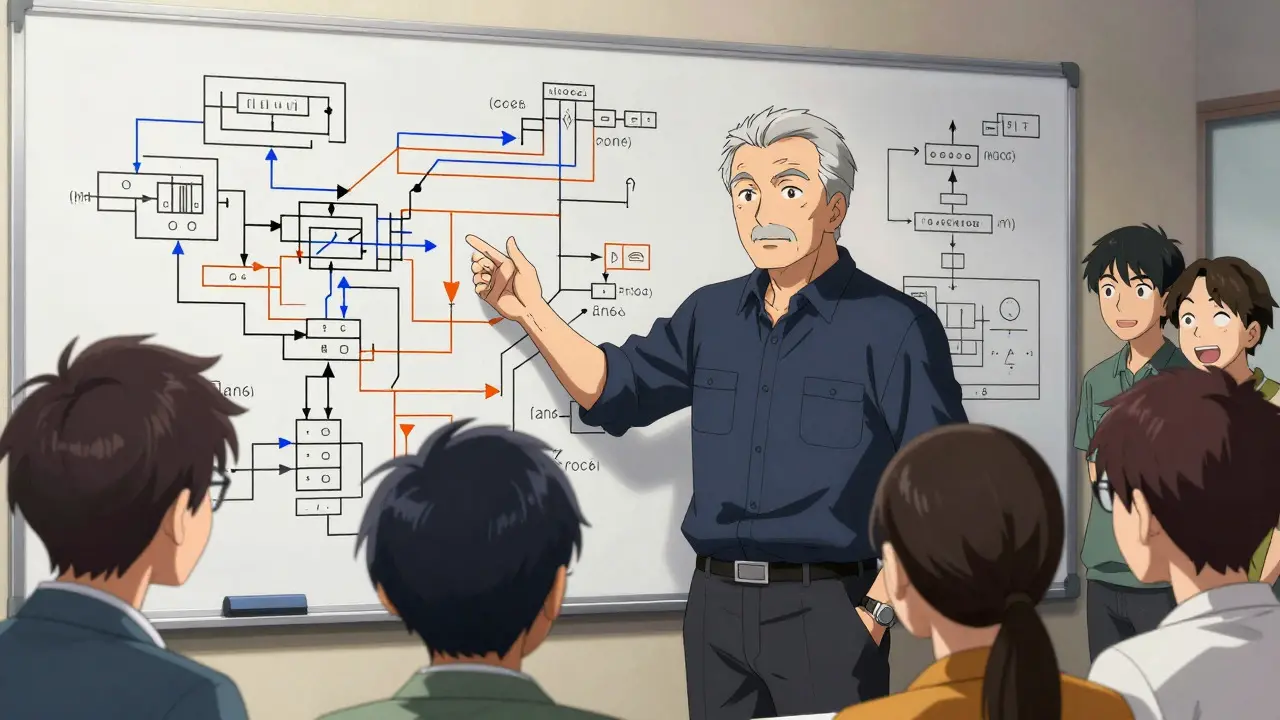
Code comments are the third pillar of this workflow. But here’s the trap: most AI-generated comments explain *what* the code does, which is usually obvious from reading the code itself. Good comments explain *why*. Microsoft’s prompt engineering guide emphasizes this distinction. If your prompt asks for "comments explaining the logic," you’ll get redundant text. If you ask for "comments explaining business rules and edge cases," you’ll get value.
Research from ScoutOS suggests a density of one comment per 10-15 lines of complex code. Too many comments clutter the file; too few leave gaps in understanding. Few-shot prompting works best here. Provide two or three examples of your preferred comment style within the prompt. This improved annotation quality by 52% compared to zero-shot approaches, though it takes about 37% more time to set up initially.
Example prompt for code annotation:
"Add comments to the following Python function. Focus on explaining the 'why' behind the retry logic and the specific error handling for timeout exceptions. Do not describe line-by-line actions. Use docstrings for the function definition. Style: Concise, imperative mood."
Comparing Documentation Methods
How does prompting compare to traditional tools? Let’s look at the data. Traditional static site generators like Sphinx or JSDoc are rigid. They follow templates. Prompting is flexible. You can change the format on the fly.
| Feature | Traditional Tools (Sphinx/JSDoc) | AI Prompt Engineering |
|---|---|---|
| Initial Setup Time | High (Config files, themes) | Low (Just write the prompt) |
| Customization Flexibility | Rigid (Template-bound) | High (Natural language control) |
| Accuracy Risk | Low (Deterministic) | Medium-High (Requires human review) |
| Best For | API references, large stable projects | READMEs, ADRs, explanatory comments |
| Maintenance Effort | Manual updates required | Regenerate via updated prompts |
The sweet spot is often hybrid. Use AI to generate the narrative parts (README, ADRs, high-level comments) and traditional tools for the structured parts (API endpoints, parameter types). This leverages the speed of LLMs while maintaining the precision of deterministic tools.
Common Pitfalls and How to Avoid Them
Even with good techniques, things go wrong. Here are the most common issues developers face and how to fix them:
- Hallucinated Dependencies: The model might invent a library you aren’t using. Fix: Paste your
requirements.txtorpackage.jsoninto the prompt context. - Inconsistent Tone: One section sounds formal, another casual. Fix: Explicitly define the persona in every prompt (e.g., "Act as a friendly mentor").
- Missing Edge Cases in ADRs: The model assumes ideal conditions. Fix: List known constraints and legacy systems in the prompt context.
- Over-commenting: The model comments on every variable. Fix: Specify density limits (e.g., "Only comment complex logic").
Also, watch out for domain-specific terminology. A Google Cloud study found that prompts lacking explicit domain context resulted in 41% more inaccuracies in specialized fields like blockchain or healthcare. If your project uses niche terms, define them in the prompt before asking for documentation.
Future Trends: Integration and Automation
Where is this heading? The future is tighter integration with your development environment. JetBrains announced plans to incorporate prompt-engineered documentation directly into IntelliJ IDEA. GitLab has started integrating CI/CD pipelines that automatically regenerate documentation when prompts are updated. This means documentation won’t just be generated once; it will stay in sync with your code changes.
Additionally, 'prompt libraries' are emerging. Teams are sharing standardized prompts for common scenarios, reducing the learning curve. Currently, developers spend 8-12 hours learning to create effective prompts, but with shared libraries, this could drop to under two hours. For now, however, mastering the craft yourself gives you the most control over the output quality.
Is AI-generated documentation accurate enough for production?
It depends on the type. READMEs are generally safe with light editing. Code comments require careful review for technical accuracy. ADRs should always be reviewed by a human architect because they involve nuanced decision-making where missing a single constraint can lead to costly mistakes. Think of AI as a fast drafter, not a final authority.
Which is harder to prompt: READMEs or ADRs?
ADRs are significantly harder. They require the model to understand trade-offs, alternatives, and long-term consequences. Basic prompts often produce superficial ADRs. You need to use chain-of-thought techniques and provide detailed context about constraints and alternatives to get a usable result.
How much time does it take to learn prompt engineering for docs?
Most developers report needing 8-12 hours of practice to consistently create effective prompts. The steepest learning curve is for ADRs due to their complexity. Once you master the basic structures for READMEs and comments, moving to ADRs becomes much easier.
Should I use AI for all documentation types?
Not necessarily. For highly structured data like API parameters, traditional tools like Swagger or JSDoc may still be more reliable. AI excels at narrative content: explanations, decisions, and guides. A hybrid approach, using AI for the story and tools for the structure, is often the most efficient strategy.
What is the best way to handle domain-specific jargon?
Always define your terms in the prompt context. Don't assume the model knows your internal acronyms or industry-specific nuances. Include a brief glossary or description of key concepts in your prompt to reduce hallucinations and ensure the documentation speaks your team's language.


Comments
Meagan Mueller
they are hiding the fact that these models just scrape github and steal your work. you think its smart but its just a parrot with a confidence issue. nobody is reading this anyway
August 20, 2026 AT 06:28
Dave Gibbeson
You’re overthinking it. The data says 68% of writers use AI. If you don’t, you’re slow. Stop debating the tech and start prompting. It works if you give it context. Give it context. Now.
August 21, 2026 AT 12:36
Sabrina Newland
i actually think the 'why' vs 'what' part is super deep 🤔 like we always code for the what but forget the why until its too late. also typo alert: i keep typing teh instead of the 😅 but the point stands. its about narrative not just syntax
August 23, 2026 AT 04:26
Amara Akbar
It is quite remarkable how much structure helps here. I have found that when one explicitly defines the persona, the output becomes significantly more consistent. It feels less like magic and more like engineering. One must be precise with the instructions to avoid the generic fluff that often plagues automated writing. The tone setting is particularly useful for internal tools where casualness is preferred over formality. It saves so much time in the editing phase. We should all adopt this hybrid approach sooner rather than later. The balance between human review and machine speed is the key to efficiency in modern development workflows.
August 24, 2026 AT 23:59
Mark Harvey
just another way to make junior devs lazy. they will copy paste and call it done. no real thinking involved. same old story
August 26, 2026 AT 15:47
Art HND
ADRs are still a pain even with prompts. I tried the chain-of-thought thing last week. It helped but I still had to fix half the trade-offs because the model assumed we had infinite budget. Don't trust the 'Consequences' section blindly. Read it twice. Or thrice. It's better than nothing though.
August 27, 2026 AT 04:48
Brandon Olvera
US companies need to stop outsourcing their docs to foreign cloud providers. Keep the data local. Use American servers. That’s how you build strong infrastructure. The rest is noise.
August 28, 2026 AT 19:44
Elizabeth Brooks
great read! i used the fastapi example from the post on my side project last night. took me like 5 mins to get a solid readme draft. usually takes an hour. the only thing i had to fix was a hallucinated dependency in the requirements list. just paste your package.json in there next time. really helpful tip about the density of comments too. i was over commenting before. now i focus on the edge cases. thanks for sharing this workflow!
August 30, 2026 AT 04:29