How to Write Maintainable Prompts that Produce Maintainable Code

- Mark Chomiczewski
- 5 September 2025
- 8 Comments
Most developers have been there: you ask an AI to generate some code, it delivers something that works - at least for now - but within weeks, no one on the team can figure out how it works. Comments are missing. Logic is tangled. Error handling is ignored. You end up rewriting it from scratch. That’s not AI’s fault. It’s your prompt’s fault.
The real problem isn’t that AI writes bad code. It’s that we ask it to write code without telling it how to write maintainable code. And that’s a mistake that costs teams months of wasted time every year.
According to GitHub’s 2024 Copilot impact study, teams using vague prompts needed to refactor their AI-generated code 37% more often than those using clear, maintainability-focused prompts. The difference isn’t magic. It’s structure. It’s specificity. It’s knowing exactly what to ask for.
What Makes a Prompt Maintainable?
A maintainable prompt doesn’t just say, “Write a function to process user data.” That’s like asking a builder to construct a house without saying whether it needs plumbing, insulation, or fire exits.
Maintainable prompts are architectural blueprints. They don’t just define what to build - they define how it should be built, documented, and extended. The Vibe Coding Framework breaks this down into five core principles:
- Clarity Over Cleverness - Avoid clever tricks. Use simple, obvious patterns. If someone has to stare at the code for five minutes to understand it, you’ve failed.
- Modularity - Break logic into small, focused pieces. Each function should do one thing. Each file should have one responsibility.
- Comprehensive Documentation - Comments aren’t optional. They must explain the why, not just the what. Why is this condition here? Why this algorithm? Why not a simpler approach?
- Consistent Patterns - Follow the team’s existing style. If the codebase uses camelCase, don’t generate snake_case. If error handling uses try-catch blocks with logging, replicate that pattern.
- Future-Proof Design - Don’t build for hypothetical futures. But do leave room for realistic extensions. If this function might need to handle international data later, design it to accept UTF-8 strings, not just ASCII.
These aren’t just nice-to-haves. They’re non-negotiable for code that lasts more than a sprint.
How to Structure a Maintainable Prompt
Here’s the exact structure top teams use. It’s not complicated - but it’s detailed. You’ll spend 15-25 minutes writing it instead of 5. But that time pays back 3.2x in reduced debugging and faster onboarding.
Start with this template:
- Context - Where does this code live? What’s already there? Reference specific files, classes, or functions. Example: “Add this function to the UserProcessor class, following the same pattern used in transformPaymentData.”
- Input/Output - Define the exact data types, formats, and edge cases. Don’t say “user data.” Say “a JSON object with fields: id (string), email (string, required), createdAt (ISO 8601 timestamp), and preferences (array of strings).”
- Behavior - What should it do? Be precise. “Validate the email format using RFC 5322 standards. Reject invalid emails with a 400 error and a message: 'Invalid email format.'”
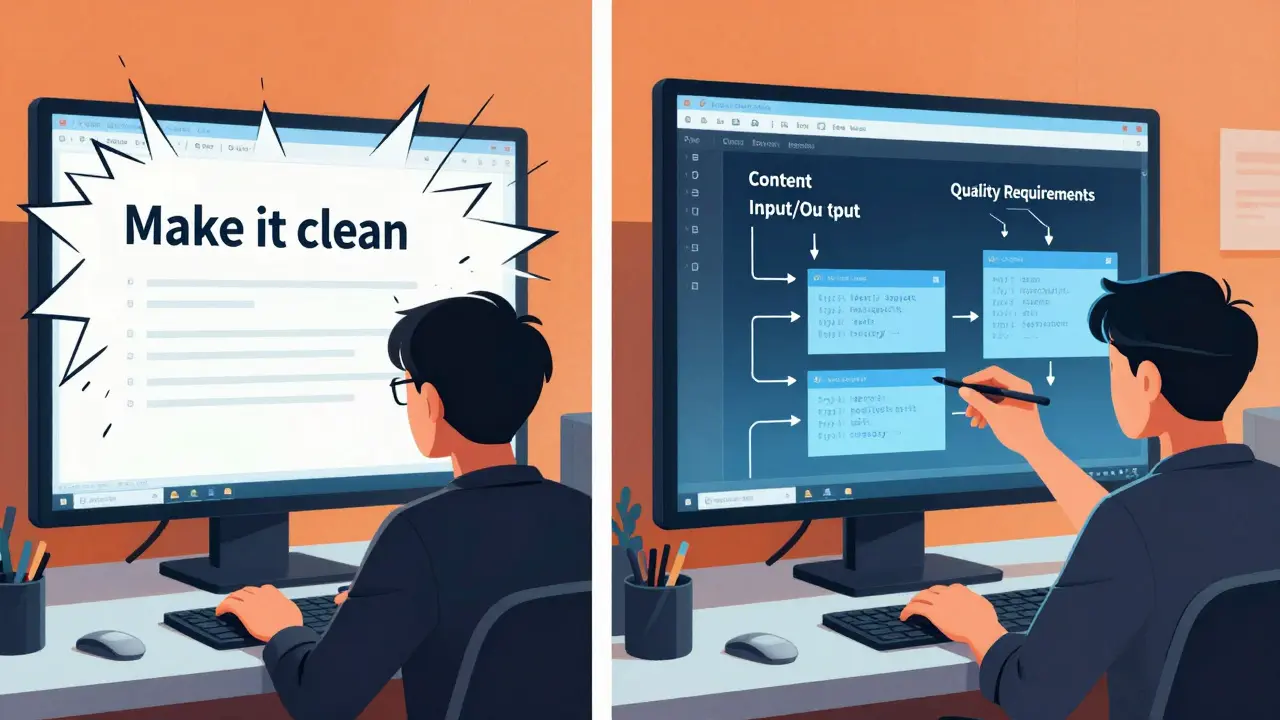
- Quality Requirements - List 4-6 explicit rules. Example: “Include a comment above the function explaining why we’re using a hash map instead of a list for preference lookup. Add error handling for network timeouts. Log all validation failures to the audit log. Use the existing logging module, not console.log.”
- Constraints - What’s off-limits? “Do not use external libraries. Do not modify existing database schema. Do not add new environment variables.”
- Testing - “Write unit tests using Jest. Cover all edge cases: empty email, malformed email, missing preferences. Mock the network layer.”
- Review - “Review your own output for security vulnerabilities, performance bottlenecks, and consistency with the codebase. Flag any assumptions you made.”
This isn’t theoretical. Badal Khatri analyzed 1,200 prompt iterations and found that successful maintainability prompts averaged 5.7 explicit quality constraints. Generic prompts averaged 2.3. The difference? Code that got accepted on the first review versus code that needed 3-5 rounds of fixes.
What to Avoid
Even experienced developers make these mistakes:
- Being too vague - “Make it clean.” “Follow best practices.” These mean nothing. AI doesn’t have intuition. It needs concrete rules.
- Over-engineering - “Add retry logic, circuit breakers, fallbacks, and a health check endpoint.” If this is a one-off script, don’t. Anthropic’s documentation warns: “Don’t add error handling for scenarios that can’t happen.”
- Ignoring context - If the codebase uses TypeScript, don’t generate JavaScript. If the team uses ESLint with Airbnb rules, don’t generate code that violates them. The AI doesn’t know your standards unless you tell it.
- Forgetting documentation - If you don’t ask for comments, you’ll get code without explanations. And that’s worse than no code at all.
One developer on Reddit, ‘CodeCraft3000,’ said his team reduced bug reports by 29% after switching to prompts that required explicit error handling and logging. The key? They didn’t just ask for code - they asked for code with accountability.
Real-World Example
Here’s a real prompt that works:
“Create a function in the NotificationService.js file called sendUserEmail that takes a user object and a template ID. The user object has: id (string), email (string), name (string), and language (string, either 'en' or 'es'). The function should:
- Validate that email is a valid email format using a regex matching RFC 5322.
- Fetch the email template from the database using the template ID. If the template doesn’t exist, throw a 404 error with message 'Template not found'.
- Replace placeholders in the template (like {{name}} and {{date}}) with values from the user object.
- Send the email using the existing SMTP client (don’t create a new one).
- Log the event to the audit log with: timestamp, userId, templateId, status (success/failure), and error message if applicable.
- Return a success object with { sent: true, messageId: string } or { sent: false, error: string }.
- Write a JSDoc comment above the function explaining why we’re validating email format client-side (to reduce server load) and why we’re not retrying failed sends (because the system uses a queue).
- Write a Jest test that covers: valid input, invalid email, missing template, and SMTP failure. Mock the database and SMTP client.
- Review your own code. Are there any security risks? Could this be exploited with malformed input? Are you using the same error format as other functions in this file?”
This prompt is long. But it’s also clear. And because of that, the generated code was deployed without changes. The next developer who touched it understood it in 90 seconds. That’s the power of a good prompt.
Why This Matters in Teams
One-off scripts? Don’t bother. Write quick, dirty code. But if you’re building something that will be maintained by multiple people over months or years - which is most business software - this isn’t optional.
The Vibe Coding Framework found that teams using maintainability prompts onboarded new developers 41% faster. Why? Because the code didn’t feel like a mystery. It felt like a conversation.
And it’s not just about speed. It’s about safety. In financial services and healthcare tech, where code must meet regulatory standards, 82% and 76% of teams, respectively, now require maintainability prompts. Why? Because auditors don’t care if the code “works.” They care if it’s understandable, traceable, and testable.
According to the 2024 State of Developer Productivity Report, 68% of enterprise teams now use maintainability-focused prompts. Gartner predicts 90% adoption by 2026. This isn’t a trend. It’s becoming the baseline.
Tools That Help
You don’t have to remember all this by heart. Tools are catching up:
- VS Code Copilot users report 44% fewer context switches when they write prompts as inline comments in their code. Try typing: “// Generate a function that...” and let Copilot fill it in.
- GitHub plans to integrate maintainability prompt suggestions directly into Copilot’s interface in Q2 2025. It’ll suggest: “Add error handling?” “Add tests?” “Follow team style?”
- Startups like Potpie AI now analyze your codebase and auto-generate tailored prompts. Feed them your repo, and they return prompts that match your architecture.
But tools won’t fix bad habits. You still need to know what to ask for.
The Trade-Off
Yes, writing good prompts takes longer. Badal Khatri found developers spend 23% more time crafting them. But that’s not wasted time. It’s insurance.
Think of it like this: writing a maintainable prompt is like installing smoke detectors before you move into a house. It costs a little upfront. But if you ever need it - and you will - you’ll be glad you did.
And here’s the real win: you stop being the person who always has to fix the AI’s code. You become the person who sets the standard. The team looks to you because your code doesn’t break. It doesn’t confuse people. It just works - and everyone can understand why.
Final Checklist
Before you hit enter on any AI code generation prompt, run through this:
- Did I reference existing code patterns?
- Did I define inputs and outputs exactly?
- Did I specify error handling and logging?
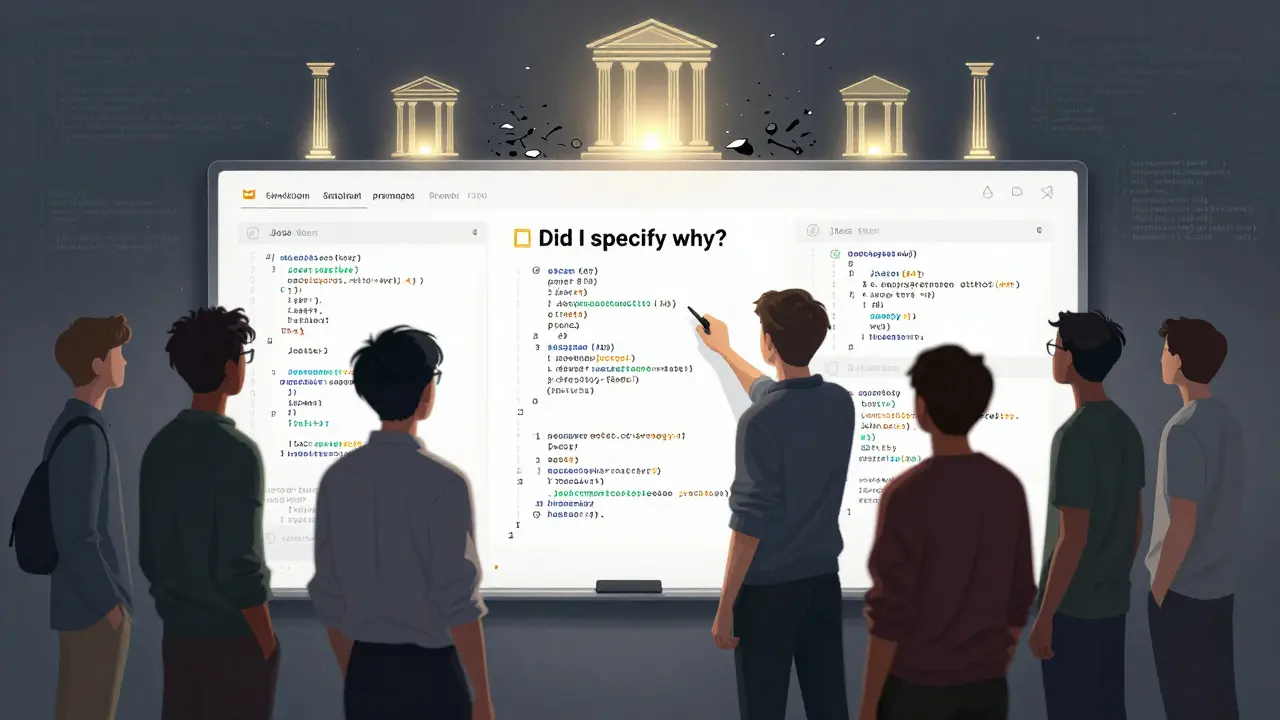
- Did I require comments that explain the 'why'?
- Did I ask for tests?
- Did I avoid over-engineering?
- Did I match the team’s style?
If you answered yes to all seven, you’re not just asking for code. You’re asking for quality.
And that’s the difference between code that lasts - and code that gets thrown away.


Comments
Ashley Kuehnel
omg yes!! i just had a teammate paste AI-generated code and i swear it looked like someone wrote it while sleepwalking. no comments, weird variable names like 'x1' and 'temp2', and zero error handling. we spent 3 days rewriting it. i started using the template from this post and my life changed. no more midnight panic calls. also, pls add tests!!
December 22, 2025 AT 22:41
adam smith
It is imperative that one adheres to the principles delineated herein. Without such structure, software degenerates into an unmanageable morass. The use of vague prompts is anathema to professional software engineering.
December 24, 2025 AT 12:28
Mongezi Mkhwanazi
Let me be perfectly clear: you are not 'just asking for code'-you are negotiating the very architecture of team cohesion, technical debt, and future sanity. Every time you skip the 'why' in your documentation, you are not saving time-you are handing your successor a time bomb wrapped in a mystery, labeled 'AI-generated'. The 37% refactor statistic? That’s not a number-it’s a funeral pyre for your weekend. And don’t even get me started on teams that use 'clean code' as a euphemism for 'I didn’t bother to explain anything'. This isn’t theory. It’s survival. And if you’re still writing prompts that say 'make it efficient', you’re not a developer-you’re a liability with a keyboard.
December 25, 2025 AT 10:00
Mark Nitka
I get that structure matters-but don’t turn this into a religion. I’ve seen teams spend 45 minutes crafting a prompt for a one-off script that runs once a month. That’s not discipline-that’s performance art. There’s a time and place for this level of rigor. Use it where it matters: core services, APIs, anything that touches users or money. But for internal tools? Just make it work. Don’t over-engineer the prompt just because you read a blog post.
December 27, 2025 AT 01:33
Kelley Nelson
One must observe that the notion of 'maintainable prompts' is, in fact, a tacit admission of the inadequacy of contemporary AI systems to infer intent. One does not require a seven-point template to instruct a competent engineer. The very need for such a framework suggests a systemic decline in foundational programming literacy among practitioners. That said, the template presented is, regrettably, the best available solution to an otherwise untenable predicament.
December 28, 2025 AT 10:49
Aryan Gupta
Wait-so you're telling me the AI isn't secretly being trained to write bad code on purpose? That's what I thought. This whole 'maintainable prompt' thing? It's a distraction. The real problem is that Big Tech is feeding AI bad examples to make developers dependent. They don't want you to learn. They want you to keep asking for code. And now they're selling you 'prompt templates' as a subscription service. Next thing you know, you'll need a license to write a comment. They're eroding your skills, one vague prompt at a time. I've seen this before-remember when everyone started outsourcing math to calculators? Now no one knows how to divide. This is the same. Don't be fooled.
December 30, 2025 AT 03:53
Fredda Freyer
I’ve been thinking about this differently lately-not as a checklist, but as a conversation. When you write a prompt like this, you’re not just giving instructions. You’re inviting the AI into your team’s culture. You’re saying: 'Here’s how we think. Here’s what we value. Here’s how we treat each other’s time.' That’s why the 'why' matters more than the 'what'. It’s not about the code-it’s about the shared understanding. And if you’re not modeling that in your prompts, you’re not building software-you’re just outsourcing your thinking. Maybe that’s the real cost: not the time spent rewriting, but the erosion of collective wisdom. We used to learn from each other’s code. Now we’re learning from prompts. Are we becoming better engineers-or just better prompt writers?
December 31, 2025 AT 19:28
Gareth Hobbs
Right. So now we’re supposed to write essays just to get the AI to do its job? And you’re telling me this is 'the baseline'? Ha! In my day, we wrote code with a pencil and a prayer. Now we need a 7-point checklist, a Jest config, and a therapist to cope with the emotional toll of asking a machine to be responsible. And don’t even get me started on the US-centric bias in this 'framework'. In the UK, we don’t need to spell out every single edge case-we trust our devs to know what’s right. This is American overkill. They’ve turned programming into a compliance exercise. Next they’ll be requiring a signed affidavit before you hit 'generate'.
January 2, 2026 AT 02:18