Onboarding Developers to Vibe-Coded Codebases: Playbooks and Tours
- Mark Chomiczewski
- 23 May 2026
- 10 Comments
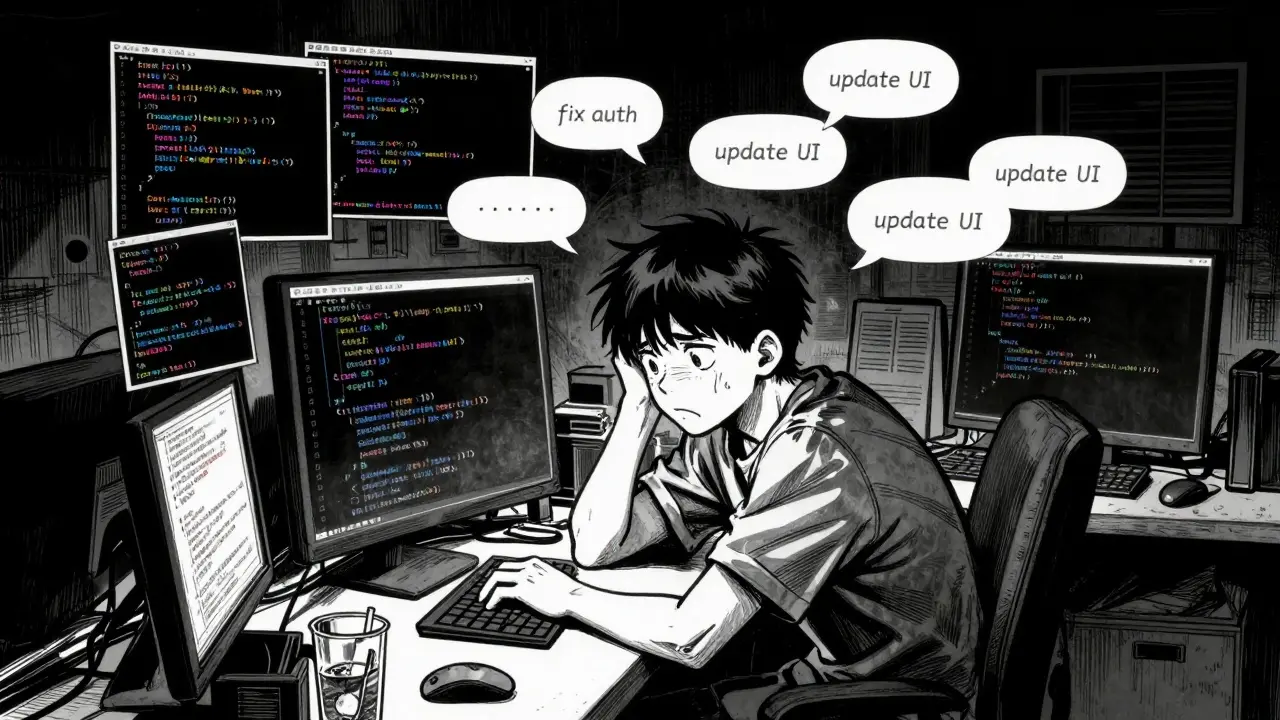
Imagine inheriting a codebase where the logic makes perfect sense, but you have no idea why it was written that way. The commit messages say 'fix auth' or 'update UI,' but the actual reasoning lives in a chat history that vanished weeks ago. This is the reality for teams adopting vibe coding, an approach where developers use AI assistants like Cursor or GitHub Copilot to generate code through natural language prompts rather than typing every line. While this method accelerates development, it creates a unique nightmare for onboarding new engineers. Without structured playbooks and tours, your team’s productivity gains evaporate as new hires spend weeks deciphering inconsistent patterns left behind by transient AI sessions.
The core problem isn't the code itself; it's the missing context. Traditional codebases rely on consistent human patterns and detailed documentation. Vibe-coded repositories often contain 'islands of high-quality code separated by inconsistent implementations,' according to industry analyses from early 2025. If you don't bridge this gap with specific onboarding strategies, you risk turning your rapid prototyping tool into a long-term maintenance burden.
Why Vibe-Coded Codebases Are Harder to Learn
To onboard effectively, you first need to understand what makes these codebases different. In traditional development, a senior engineer writes code based on established architectural decisions. In vibe coding, the 'architect' is a combination of the prompt engineer and the AI model's current state. This leads to three distinct challenges for new developers.
First, stylistic inconsistency is rampant. A study by Stack Convex in June 2025 found that 42% of vibe-coded projects showed significant variations between early and late development phases. One module might use functional components while another uses classes, not because of design choice, but because the AI responded differently to two separate prompts. Second, implementation rationale is often lost. The AI might choose a specific library because it was trending in its training data at that moment, but that reason isn't recorded in the code. Finally, version control becomes complex. Standard Git commits track changes, but they don't track the *intent* behind those changes if that intent existed only in a chat window.
These issues compound as the project grows. Data shows that median onboarding time jumps from 3.2 days for small projects (10,000 lines of code) to 11.7 days for larger ones (50,000 lines). The complexity isn't linear; it's exponential. New developers aren't just learning syntax; they're reverse-engineering the mental model of an AI that may have changed versions or contexts during the build process.
The Onboarding Playbook: Structuring Knowledge Transfer
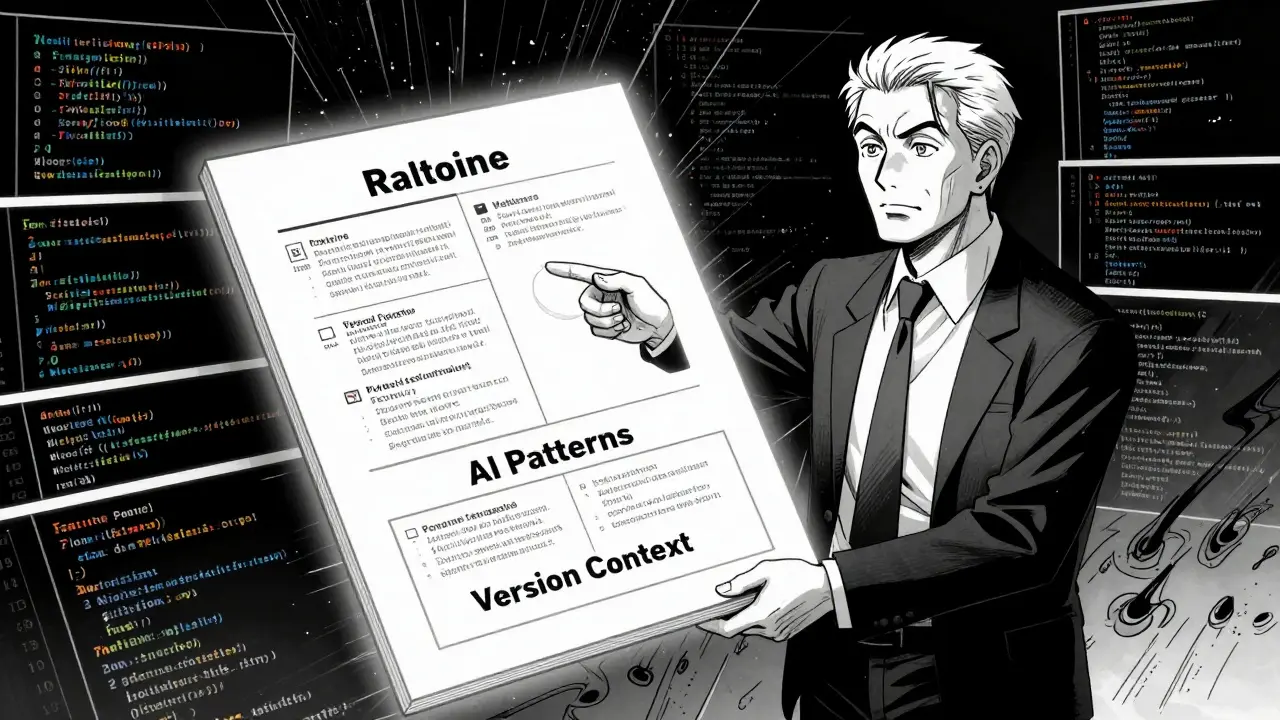
You can't fix this with a simple 'read the README' instruction. You need a dedicated playbook that addresses the specific gaps in AI-generated code. Effective playbooks focus on four critical areas: implementation rationale, AI-specific patterns, version context, and consistency checkpoints.
Implementation Rationale: Why was this approach chosen? Instead of relying on vague comments, create a 'rationale repository.' This could be a markdown file in your repo or a dedicated section in your documentation site. For every major component, record not just what was built, but why alternative approaches were rejected. As the Cloud Security Alliance noted in their April 2025 guide, secure vibe coding requires documenting why certain paths were taken to avoid future security vulnerabilities stemming from inconsistent implementations.
AI-Specific Patterns: Document the standard prompts used for common tasks. If your team always uses a specific prompt structure to generate API endpoints, write that down. Chameleon.io recommends providing precise examples, such as 'Update this modal to use SettingsTooltipV2, show it only to new users, and track dismissals via useOnboardingEvents().' By standardizing these prompts, you give new developers a template for interacting with the codebase using the same AI tools.
Version Context: Which AI model generated which part of the app? Create an 'AI version map.' If Module A was built with GPT-4o and Module B with Gemini 2.5 Pro, note it. Different models have different biases and capabilities. Understanding this helps new developers predict how the AI might behave when they ask it to refactor or extend existing code.
Consistency Checkpoints: Implement automated tests that verify adherence to style rules. These aren't just unit tests for functionality; they are linting rules and style checks that enforce consistency across the AI-generated sprawl. Teams that implement explicit `.cursor/rules/` directories report 53% fewer style-related questions from new hires. These files act as guardrails, telling the AI how to behave within your specific project context.
Conducting Effective Codebase Tours
A playbook provides the reference material; a tour provides the experience. Your onboarding tour should differ significantly from traditional walkthroughs. Focus on 'prompt archaeology'-the practice of tracing code back to the original prompts that created it.
Start the first day with a 'learning-only' phase. Don't let the new developer write any code. Instead, have them complete a prompt archaeology exercise. Pick a critical feature, like authentication, and trace its evolution. Look at the git history, but also look for embedded prompt references. Some platforms, like Cursor, now allow embedding prompt history directly into code comments. Use this to show the new hire how the initial request evolved into the final implementation.
Next, walk through the '.cursor/rules/' or equivalent configuration directory. Explain how these rules shape the AI's output. Show them how changing a rule here affects the code generated there. This demystifies the 'magic' of vibe coding and gives the developer a sense of control over the tool.
Finally, simulate a real task. Have the new developer make a small change using the documented prompt patterns. Watch where they struggle. Do they get confused by the library choices? Do they miss the style guidelines? Use this observation to refine both the tour and the playbook. Alex Johnson, Senior Developer Advocate at GitHub, emphasizes that the biggest mistake is treating vibe coding as a replacement for documentation. It shifts the documentation needs; it doesn't eliminate them.

Tools and Techniques for Maintaining Clarity
Maintaining clarity in a vibe-coded codebase requires proactive tooling. Relying on memory or informal chats is insufficient. Here are specific techniques to embed maintainability into your workflow.
| Strategy | Traditional Approach | Vibe Coding Adaptation |
|---|---|---|
| Documentation | Static READMEs and JSDoc | Dynamic prompt logs and rationale repos |
| Version Control | Standard Git commits | Prompt-anchored commits referencing AI interactions |
| Style Enforcement | ESLint/Prettier configs | .cursor/rules/ directories + AI-aware linting |
| Code Review | Human-to-human review | Human-AI hybrid review focusing on logic and security |
One powerful technique is 'prompt-anchored commits.' Instead of just committing code, include a reference to the specific AI interaction or prompt session that generated the change. This creates a trail for future developers to follow. Another is the 'cleaning pass' before production. As outlined in Stack Convex's guide, step 5 of taking a vibe-coded app to production involves asking the AI to review the code against your documented standards and adopt them. This reduces the noise new developers face.
Also, consider the size of your scope. SaaStr's research indicates that 78% of successful implementations restrict initial scope to a 'Throwaway Hack (60 Minutes Max)' before scaling. Teams that skip this validation step experience 3.7x more onboarding difficulties later. Start small, establish your guardrails, and then expand. This prevents the accumulation of technical debt that confuses new hires.
Bridging the Gap: Hybrid Models
The most effective teams don't choose between vibe coding and traditional development; they blend them. This hybrid model involves using vibe coding for rapid prototyping and initial scaffolding, while traditional developers handle production optimization, complex architecture, and security hardening.
This approach requires sophisticated onboarding protocols. New developers need to understand both paradigms. They must know how to read and modify AI-generated code, but also how to apply rigorous engineering principles to stabilize it. According to SaaStr, teams using this hybrid approach report 37% faster onboarding when they implement structured knowledge transfer protocols. The key is clear boundaries: define which parts of the codebase are 'vibe-coded' and which are 'hand-crafted,' and document the interfaces between them.
As Gartner predicts, by 2027, 65% of enterprises will require specialized onboarding protocols for AI-generated codebases. Preparing for this shift now means investing in documentation, tooling, and culture. Treat your AI assistant as a junior engineer who is incredibly fast but lacks institutional memory. Your job as a lead developer is to provide that memory through playbooks, tours, and consistent practices.
What is prompt archaeology?
Prompt archaeology is the practice of tracing code back to the original natural language prompts that generated it. It involves reviewing chat histories, embedded comment logs, and git commits to understand the reasoning and context behind AI-generated implementations. This helps new developers understand why certain libraries or patterns were chosen.
How do I document AI-generated code effectively?
Focus on documenting the 'why' rather than the 'what.' Create a rationale repository that explains why specific approaches were chosen over alternatives. Use '.cursor/rules/' or similar configuration files to enforce style consistency. Embed prompt references in code comments where possible, and maintain a log of key prompts used for critical components.
Why are vibe-coded codebases harder to onboard to?
They often lack consistent coding patterns and implementation rationale. Since AI tools evolve and respond differently to prompts, codebases can have significant stylistic variations. Additionally, the reasoning behind decisions is often stored in transient chat histories rather than permanent documentation, making it difficult for new developers to understand the architectural intent.
What is a .cursor/rules/ directory?
It is a configuration directory used in Cursor IDE to define project-specific conventions and guardrails for the AI assistant. By specifying coding styles, preferred libraries, and architectural patterns here, you ensure that the AI generates code that is consistent with your team's standards, reducing confusion for new developers.
Should I use vibe coding for production applications?
Yes, but with caution. Use a hybrid model where vibe coding handles rapid prototyping and scaffolding, while traditional developers manage production optimization and security. Ensure you have robust onboarding playbooks, prompt archaeology practices, and consistency checkpoints in place to maintain long-term maintainability.



Comments
Michael Thomas
Stop whining about AI and start writing code yourself. Real devs don't need hand-holding.
May 25, 2026 AT 01:03
Abert Canada
I actually agree with the premise here, though I find the tone a bit alarmist. We've been dealing with this in Toronto for months. The key is treating the AI like a junior dev who needs strict guardrails. If you don't enforce style guides via .cursor/rules, you're just asking for technical debt to snowball. It's not magic, it's engineering discipline applied to a new toolset.
May 25, 2026 AT 12:55
Xavier Lévesque
Ah yes, because nothing says 'professional software engineering' like documenting your chat logs with a robot. Groundbreaking stuff. I suppose next we'll be onboarding developers by teaching them how to interpret the tea leaves of their prompt history. Truly inspiring leadership material right there.
May 27, 2026 AT 10:54
Thabo mangena
It is imperative that organizations recognize the profound implications of these emerging technologies on workforce integration. The structured approach outlined herein provides a necessary framework for maintaining code integrity amidst rapid technological advancement. One must consider the long-term sustainability of such practices within global development teams.
May 28, 2026 AT 04:19
Karl Fisher
This entire concept is so utterly exhausting to read about. You people are turning coding into a circus act where everyone pretends they understand what the black box did. I spent three days last week trying to figure out why a simple auth module was using a library from 2019 because some intern prompted 'make it secure' without specifying context. It's tragic. Absolutely tragic.
May 30, 2026 AT 01:02
Buddy Faith
they want us to document every little thing so they can track us later its all part of the plan the ai knows more than we do but they pretend we are in control lol
May 30, 2026 AT 19:38
Scott Perlman
hey man i think this is cool stuff just take it easy and have fun with it no need to stress too much about the details
May 31, 2026 AT 08:30
Sandi Johnson
Sure, let's all pretend that 'prompt archaeology' is a real job title now. Next year we'll be hiring 'AI Whisperers' to interpret the dreams of our servers. Just add it to the resume and watch the salary double while the actual work gets harder.
June 1, 2026 AT 23:32
Michael Gradwell
you lazy coders deserve this mess stop relying on tools and learn to write clean code yourself it is shameful
June 2, 2026 AT 04:25
Flannery Smail
Actually vibe coding is overrated and traditional methods are better because humans are smarter than machines obviously nobody should use ai ever again
June 2, 2026 AT 13:02