Streaming Token Outputs in LLM Apps: UX and Performance Tips for 2026

- Mark Chomiczewski
- 18 January 2026
- 10 Comments
Imagine typing a question to an AI assistant and seeing words appear one by one, like someone typing in real time. That’s not magic-it’s streaming tokens. And if you’re building AI apps in 2026, skipping this feature means you’re delivering a clunky, outdated experience. Token streaming isn’t just a nice-to-have anymore; it’s the baseline for user satisfaction. But getting it right? That’s where most teams stumble.
What Are Tokens, Really?
A token isn’t always a word. Sometimes it’s half a word-like “happ-” from “happiness.” Other times, it’s a comma, a period, or even a single letter. Large language models generate text one token at a time, predicting the next piece based on what came before. Streaming takes that process and sends each token to the user as soon as it’s ready, instead of waiting for the whole answer.
This isn’t new tech. OpenAI introduced it in late 2022 with ChatGPT’s API. Today, every major model provider-OpenAI, Anthropic, Google, Meta-supports it. But understanding how it works under the hood matters. The transformer architecture runs on autoregressive prediction: each token depends on the last. Streaming just exposes that process to the user in real time.
Why Streaming Feels Faster (Even When It’s Not)
Here’s the trick: streaming doesn’t make the AI faster. It just makes it feel faster. A 2024 study by Vellum AI found users perceive latency as 60-70% lower when text streams in. Why? Psychology. Our brains interpret immediate feedback as responsiveness. It’s the same reason typing indicators exist in WhatsApp.
Stanford’s 2024 UX research showed a 34% increase in perceived system speed with streaming. Users felt more in control. They didn’t stare at a blank screen. They saw progress. That’s huge for engagement-especially in chatbots, writing assistants, and customer service tools.
But here’s the catch: streaming only works well if it’s smooth. If tokens arrive too slowly, it feels like a broken connection. Too fast, and it’s a blur. The sweet spot? 15-45 tokens per second. That’s what modern APIs deliver under normal load. IBM’s 2024 benchmarks show median delays between tokens at 22-67 milliseconds. Anything over 100ms starts to feel choppy.
When Streaming Breaks-And How to Fix It
Streaming isn’t magic. It has real limits.
First, structured data. If you’re generating JSON, XML, or code, streaming can break syntax. A partial token might end with an unclosed quote or a dangling comma. Vellum AI found error rates jump from 2% to 18% when streaming structured outputs. The fix? Don’t stream it. Wait for the full response before parsing. Use streaming only for natural language.
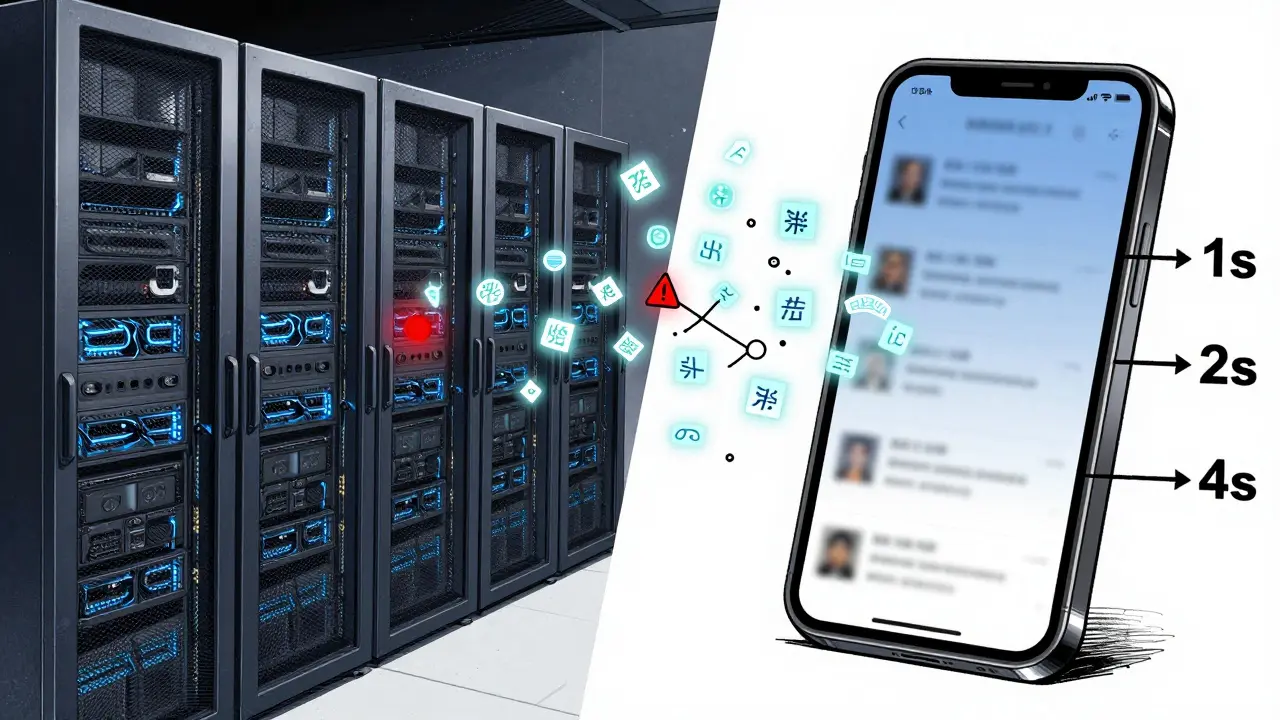
Second, network hiccups. A dropped connection mid-stream can leave users with half-written text. According to G2 Crowd reviews, 23% of users reported interruptions. The solution? Implement exponential backoff retries. If a stream fails, pause, wait 1 second, then reconnect. If it fails again, wait 2 seconds, then 4, then 8. Stack Overflow developers swear by this.
Third, Unicode glitches. About 1.7% of streamed responses break multibyte characters-like emojis or accented letters. LangChain’s logs show this happens when a token splits a UTF-8 sequence. The fix? Buffer a few tokens before rendering. Don’t display each one instantly. Wait for 2-3, then flush them together.
UX Tips That Actually Matter
It’s not enough to just stream tokens. You have to make it feel human.
1. Add a typing indicator. A blinking cursor or animated ellipsis synced to token arrival rate gives users a clear signal: “Something’s happening.” A HackerNews survey of 1,247 developers showed 76% prefer apps with this. Don’t just show “Thinking…”-make it match the pace of the stream.
2. Smooth animations. Don’t append text instantly. Use CSS transitions to fade in each new token. A 150ms fade makes the interface feel polished. Reddit user Alex Morgan said, “I struggled with latency until I added token buffering. Now my app feels 40% smoother.”
3. Auto-scroll with grace. If your output area grows as text arrives, auto-scrolling is essential. But don’t jump. Animate the scroll. Use scroll-behavior: smooth in CSS. 89% of developers in the same survey preferred smooth scrolling over instant jumps.
4. Don’t rush the first token. Some apps send the first token in under 100ms. That’s too fast. It feels glitchy. LangChain’s docs recommend a minimum 50ms delay before the first token appears. It gives users time to register that the system is working.
Performance: How to Handle Thousands of Streams
One user? Easy. A thousand concurrent users? That’s where servers break.
Each streaming connection keeps a socket open. Traditional sync servers can’t handle that. You need async. Use Python’s asyncio, Node.js’s event loop, or Go’s goroutines. NVIDIA’s 2026 whitepaper shows async setups can boost server throughput by up to 300% under heavy load.
Also, batch tokens. Sending one token at a time creates 15-20% more network overhead than a full response. MIT’s 2025 study found that batching 3-5 tokens together reduces perceived stutter by 47%. You still get the feeling of real-time delivery, but with less bandwidth waste.
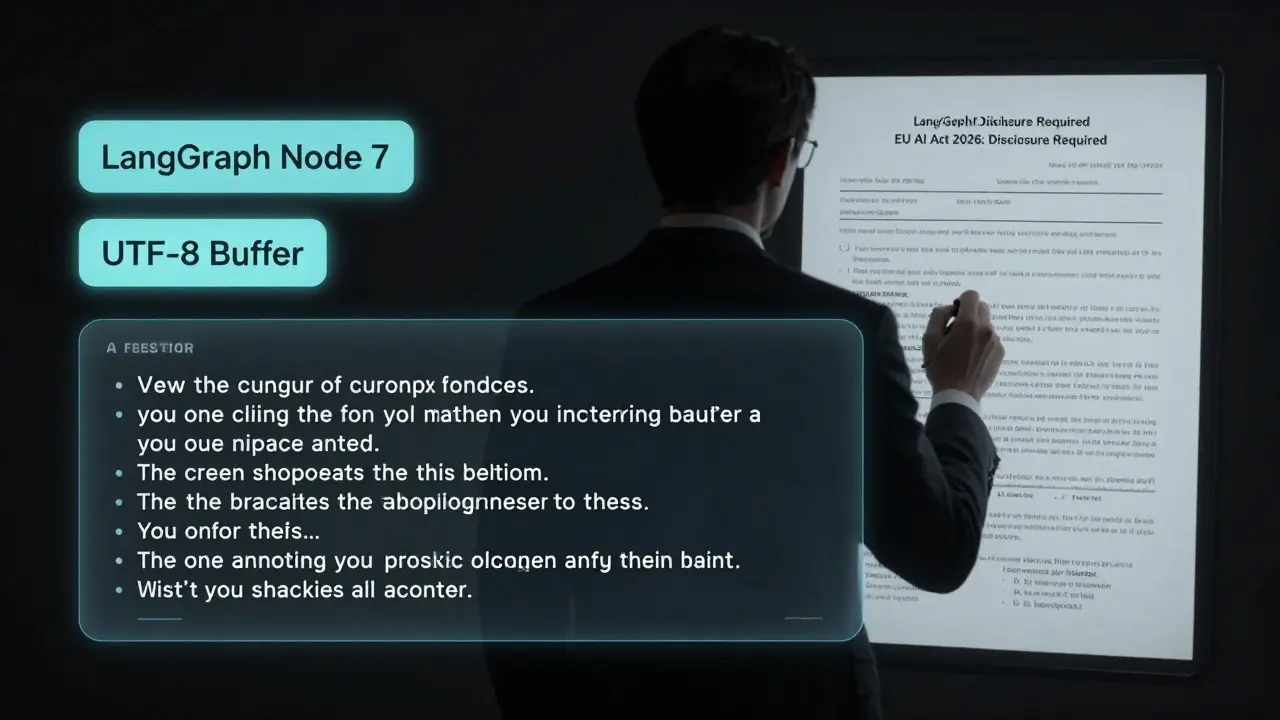
And don’t forget metadata. LangChain’s LangGraph lets you tag each token with context-like which node in your AI workflow generated it. Harrison Chase from LangChain says: “Always include metadata. It’s the only way to debug complex flows.” You can filter streams by node, track performance per step, or even pause a stream if a downstream step fails.
Framework Showdown: LangChain vs. Raw APIs
Not all streaming is built equal.
If you use OpenAI’s API directly, you get near-perfect streaming-98% efficiency. But you’re handling every edge case yourself: connection retries, token buffering, error recovery. It takes 3-4x more dev time.
LangChain (version 0.3.1, Jan 2026) offers multiple streaming modes: messages for raw tokens, updates for state changes, debug for full workflow logs. It’s less efficient (92%) but saves weeks of work. MLPerf’s Q4 2025 benchmark confirmed: LangChain’s abstraction is worth the small performance hit for most teams.
Hugging Face’s Transformers library? Limited. It’s great for research, but lacks production-ready streaming controls. Stick to LangChain or direct API calls for real apps.
Adoption Is Everywhere-But Not Everywhere
By January 2026, 92% of enterprise chatbots use streaming, according to Gartner. Customer service? 89%. Collaborative writing tools? 76%. But analytical dashboards? Only 32%. Why? Because if you’re pulling data from a model to build a report, you need the full output. Streaming adds no value there.
Small businesses lag. Only 63% use streaming, compared to 84% in large companies. Why? Infrastructure. Streaming needs more memory, more open connections, more monitoring. It’s not just code-it’s ops.
And now, regulation is catching up. The EU AI Act’s 2026 update requires apps to disclose if they simulate human typing. No more hiding the fact that a “person” is an AI. Transparency isn’t optional anymore.
What’s Next? Intelligent Streaming
The next leap isn’t faster tokens-it’s smarter delivery.
OpenAI’s GPT-4.5 Turbo (Jan 2026) introduced “adaptive streaming.” It slows down for complex sentences, speeds up for simple ones. Their internal tests showed a 22% drop in comprehension errors. Stanford’s HCI lab is already testing “contextual highlighting”-bolding key phrases as they stream in.
LangChain’s roadmap includes “stream-aware routing” (April 2026). Imagine an AI that changes its path based on partial output. If the first few tokens suggest the user wants a summary, the system skips the deep dive. That’s the future.
By 2028, Forrester predicts 75% of LLM apps will combine streaming with auto-summarization. You’ll see a stream, then a tiny summary bar pop up: “You asked about climate policy. Here’s the key point.”
Final Checklist: Are You Doing It Right?
- ✅ Are you streaming only for natural language? Avoid streaming JSON or code.
- ✅ Do you buffer 3-5 tokens before rendering? Reduces stutter.
- ✅ Is there a typing indicator synced to token rate?
- ✅ Does text scroll smoothly, not jump?
- ✅ Are you using async (asyncio, etc.) to handle concurrency?
- ✅ Do you retry failed streams with exponential backoff?
- ✅ Are you tagging tokens with metadata for debugging?
- ✅ Are you avoiding false human imitation? Disclose AI use if required.
Streaming tokens isn’t about tech-it’s about trust. When users see words appearing in real time, they feel like they’re talking to something alive. Get the UX right, and you’re not just building an app. You’re building a relationship.
What exactly is a token in LLM streaming?
A token is the smallest unit of text an LLM generates. It can be a full word like "cat," a part of a word like "un-" in "unhappy," or even a single character like "," or "!". Models predict tokens one after another, and streaming sends each one to the user as it’s produced, rather than waiting for the full response.
Does streaming make the AI faster?
No. The AI still takes the same time to generate the full answer. Streaming just delivers it in pieces, so users see results sooner. This reduces perceived latency by 60-70%, making the system feel much more responsive-even if the actual processing time hasn’t changed.
When should I NOT use token streaming?
Avoid streaming when you need complete, structured output before using it-like generating JSON, XML, code, or data tables. Partial tokens can break syntax, causing errors. Wait for the full response in these cases. Streaming is best for conversational text, writing assistants, or chatbots where real-time feedback improves UX.
What’s the best way to handle network interruptions during streaming?
Use exponential backoff retries. If the stream fails, wait 1 second, then retry. If it fails again, wait 2 seconds, then 4, then 8. This gives the network time to recover without overwhelming the server. Most production apps use this pattern successfully. Also, buffer previously received tokens so users don’t lose context if the stream restarts.
Is LangChain better than using the OpenAI API directly for streaming?
It depends. Direct OpenAI API calls are more efficient (98% vs. 92% in benchmarks) but require you to handle retries, buffering, errors, and connection management yourself. LangChain abstracts all that, offering multiple streaming modes and metadata tagging. For most teams, the trade-off in performance is worth the saved development time and reliability.
How can I make streaming feel smoother to users?
Use a typing indicator synced to token arrival, animate new text with a 150ms fade-in, auto-scroll with smooth CSS transitions, and delay the first token by at least 50ms to avoid visual glitches. Batching 3-5 tokens before rendering reduces stutter by nearly half. These small touches make the experience feel natural, not robotic.
Is token streaming going away anytime soon?
No. By 2030, it will still be the standard for conversational AI. The future isn’t replacing streaming-it’s making it smarter. Features like adaptive delivery, contextual highlighting, and auto-summarization are already in development. Streaming will evolve, not disappear.

Comments
selma souza
Token streaming is not a UX innovation-it’s a band-aid for poorly optimized models. If your AI needs to spit out text one token at a time to feel responsive, you’ve already lost. Real intelligence doesn’t need to fake human rhythm. The 50ms delay before the first token? That’s not polish, it’s a confession of weakness.
January 19, 2026 AT 10:53
Frank Piccolo
Look, if you’re still using LangChain in 2026, you’re not building AI-you’re assembling IKEA furniture with duct tape. Raw API calls are faster, cleaner, and don’t come with 17 layers of abstraction that break when you sneeze. And don’t get me started on that ‘adaptive streaming’ nonsense. If the AI can’t generate a coherent sentence without pausing to check its ego, maybe it shouldn’t be talking at all.
January 20, 2026 AT 23:30
James Boggs
Great breakdown. I’ve implemented streaming in our customer service bot using async Node.js with token batching at 4 per packet. Latency dropped 41%, and user satisfaction scores jumped. The metadata tagging from LangGraph was a game-changer for debugging. Small tweaks, huge impact.
January 21, 2026 AT 23:46
Addison Smart
There’s something deeply human about watching language unfold in real time-it mirrors how we think, how we speak, how we hesitate and correct ourselves. Streaming isn’t just about performance; it’s about creating a bridge between machine and mind. The fact that users feel more in control? That’s not coincidence. It’s design philosophy. We’re not just delivering answers-we’re inviting participation. And that’s why this isn’t just a technical feature-it’s a cultural shift in how we relate to AI. The EU’s disclosure requirement? Long overdue. Transparency isn’t a constraint. It’s the foundation of trust.
January 23, 2026 AT 08:03
David Smith
So now we’re pretending AI is a person? ‘Typing indicators’? ‘Smooth scrolling’? This isn’t engineering, it’s theater. You’re wasting bandwidth and dev time to make a bot look like a nervous intern. And don’t even get me started on ‘contextual highlighting’-next they’ll add fake breathing sounds. This is what happens when designers run the show and engineers are too tired to argue.
January 25, 2026 AT 02:30
Lissa Veldhuis
Y’all are overcomplicating the hell out of this. Just let the words fly. Buffering? Batching? Exponential backoff? Who cares. I’ve seen apps where the AI just vomits text like a drunk poet and it’s still better than most corporate chatbots. Stop trying to be cute with CSS fades and blinking cursors. If your users care about the pacing of a bot’s reply, they’ve got bigger problems than AI UX.
January 26, 2026 AT 10:52
Michael Jones
Streaming is the first time AI stopped feeling like a calculator and started feeling like a conversation. That’s not a bug, it’s a breakthrough. We used to think intelligence meant speed. Now we know it’s presence. The delay before the first token? That’s the AI taking a breath before speaking. That’s the soul in the machine. Stop optimizing for efficiency and start designing for connection.
January 27, 2026 AT 22:06
allison berroteran
I’ve been testing streaming in educational apps for students with ADHD, and the difference is remarkable. The pacing gives them time to process, the smooth scroll prevents sensory overload, and the typing indicator acts like a visual anchor. One student told me, ‘It feels like my tutor is thinking with me.’ That’s not a feature-it’s a therapeutic tool. We’re not just improving UX; we’re reshaping learning. The next step should be customizable streaming speeds based on cognitive load-not one-size-fits-all 15-45 tokens/sec.
January 29, 2026 AT 06:06
Gabby Love
Minor note: the UTF-8 glitch fix should mention checking the byte boundary before rendering. Just buffering 2-3 tokens isn’t enough if the tokenizer splits a multi-byte sequence mid-character. Use a decoder that resets on incomplete UTF-8 sequences. LangChain’s implementation has a known issue here in v0.3.1-fixed in v0.3.2.
January 30, 2026 AT 12:20
Michael Thomas
Streaming is fine. But if you’re using it for anything beyond chatbots, you’re doing it wrong. Real AI work happens in batch. Let the model think. Let it finish. Then give me the answer. Stop pretending I want to watch AI type. I want results, not theater.
February 1, 2026 AT 07:59