Vibe Coding: Turning Figma Designs into Functional Apps
- Mark Chomiczewski
- 20 October 2026
- 0 Comments
You spent three weeks perfecting a user interface in Figma. The spacing is pixel-perfect. The colors pop. The interactions feel snappy. Then you hand it off to a developer, and two days later, the button radius is wrong, the font weight is off, and the hover state doesn't match your vision. Sound familiar? This friction between design intent and coded reality has plagued product teams for decades. But what if you could skip the handoff entirely?
Enter vibe coding, a new workflow where artificial intelligence reads your design files and spits out working code based on natural language prompts and structural context. It’s not just about copying pixels; it’s about translating design logic into functional software. By late 2023, this concept moved from a niche experiment to a mainstream movement, with tools like Cursor AI, Replit, and Lovable.dev rushing to support it. For designers, this means becoming builders without writing a single line of syntax by hand. For developers, it means spending less time on boilerplate and more on complex logic. But does it actually work? And more importantly, can you trust the output in production?
What Is Vibe Coding and Why Does It Matter?
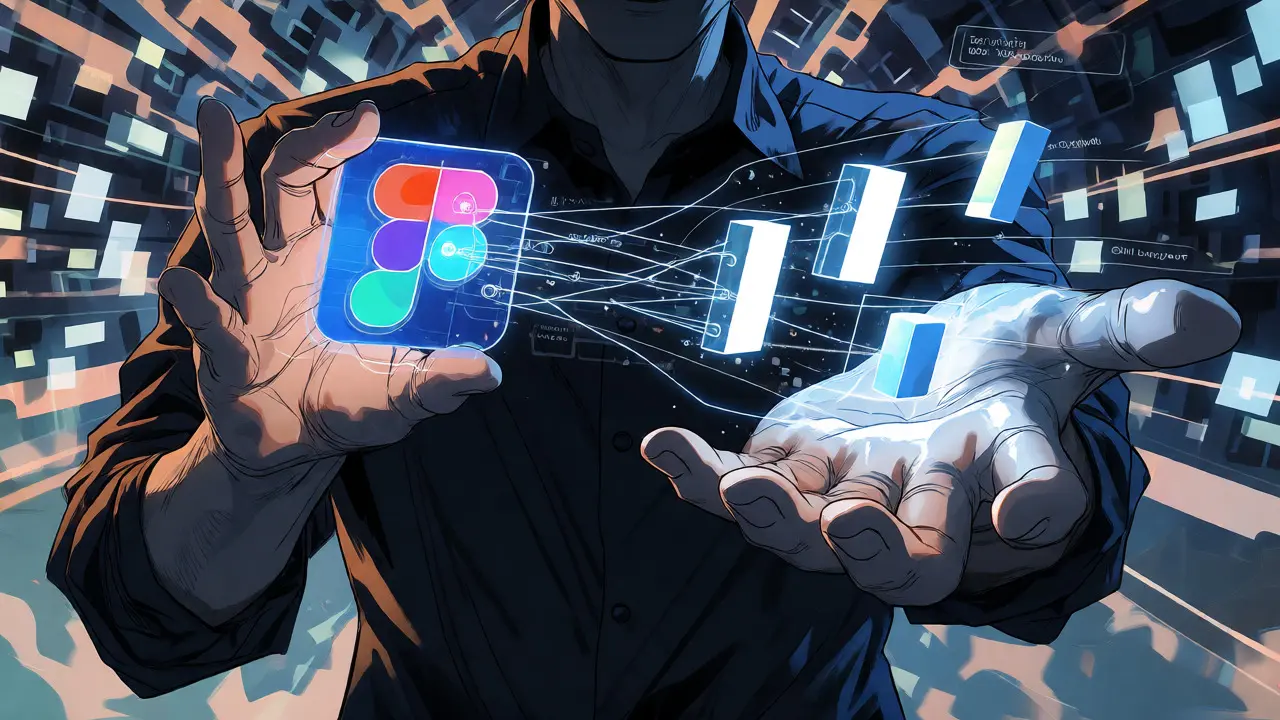
Vibe coding isn’t just another name for "screenshot-to-code" tools that failed a few years ago. Those early attempts tried to guess structure from flat images, often resulting in messy HTML that broke on mobile devices. Vibe coding relies on something deeper: the Model Context Protocol (MCP). Think of MCP as a translator that speaks both Design and Code fluently. Instead of looking at a picture of a button, the AI looks at the underlying data structure in Figma-the layer names, component relationships, auto-layout settings, and design tokens.
This shift matters because it preserves intent. When you use proper naming conventions in Figma, such as labeling a frame "PrimaryButton_Hover," the AI understands that this isn't just a shape; it's an interactive state. According to Figma’s official documentation, this approach allows AI tools to access "the design's underlying structure-not just an image." This contextual understanding bridges the gap between UI design and code generation, significantly improving accuracy compared to older methods. You aren't just getting a visual replica; you're getting a functional skeleton that respects your design system.
The Technical Backbone: How It Actually Works
To get good results, you need three things: a structured Figma file, an MCP-compatible platform, and clear prompts. If your Figma file is a mess of unnamed layers like "Frame 42" and "Rectangle 108," the AI will struggle. It needs semantic clues. Laura Fehre, a Designer Advocate at Figma, demonstrated that proper layer naming improved code generation accuracy from 62% to 89%. That’s a massive jump. It proves that discipline in design directly translates to quality in code.
The process usually follows a five-step loop:
- Prepare: Clean up your Figma file. Use Auto Layout, name components clearly, and organize layers logically.
- Connect: Enable MCP in your Figma settings and link your account to a vibe coding platform via OAuth.
- Import: Select specific frames or components to send to the AI. Don’t dump the whole file; start small.
- Generate: Let the AI create the initial code base using frameworks like React, Flutter, or HTML/CSS.
- Refine: Use natural language prompts to fix issues. For example, "Make the navigation bar sticky on scroll" or "Ensure the button meets WCAG accessibility standards."
Platforms vary in their technical focus. Figma Make integrates natively and outputs React code, making it ideal for web apps already using that stack. Cursor AI shines with Flutter, allowing designers to build cross-platform mobile apps. Meanwhile, Replit goes further by generating full-stack JavaScript applications, connecting your frontend to backends like Supabase automatically. Each tool has its sweet spot, but they all rely on the same core principle: better input equals better output.
Choosing Your Weapon: Platform Comparison
Not all vibe coding tools are created equal. Your choice depends on your end goal-whether you’re building a quick prototype, a mobile app, or a full-scale web product. Here’s how the major players stack up in terms of capabilities and limitations.
| Platform | Primary Output | Best For | Key Limitation |
|---|---|---|---|
| Figma Make | React | Seamless design-to-web workflows | Lacks full-stack backend features |
| Cursor AI | Flutter / Web | Cross-platform mobile apps | Requires manual config for web export |
| Replit | Full-Stack JS | Prototypes needing real data | Slower load times vs. manual code |
| Lovable.dev | React | Rapid MVPs for non-coders | Limited mobile framework support |
| YouWare | HTML/CSS/JS | No-code game dev & simple sites | Weak docs for advanced customization |
If you’re a designer who wants to show stakeholders a clickable demo fast, Lovable.dev or Figma Make are your best bets. They prioritize speed and ease of use. However, if you’re a developer trying to accelerate a sprint, Cursor AI offers more control over the architecture, especially for mobile projects. Replit stands out if you need actual functionality-like saving user data-without setting up a server yourself. Just be aware: while these tools save time, they don’t eliminate the need for technical oversight.
The Reality Check: Where Vibe Coding Falls Short
Let’s be honest: vibe coding produces code that works, but it doesn’t always scale cleanly. David Heinemeier Hansson, the creator of Ruby on Rails, warned that AI-generated code often lacks proper separation of concerns. This can lead to "spaghetti code" that becomes expensive to maintain long-term. In fact, some startups reported 40-60% higher maintenance costs after shipping vibe-coded apps directly to production without refactoring.
Common pitfalls include poor handling of complex animations and inconsistent responsive behavior across device sizes. A landing page might look great on a desktop but break on a tablet because the AI didn’t fully grasp your breakpoint logic. Additionally, security remains a concern. Generated code might miss subtle vulnerabilities that a seasoned developer would catch. Business Insider noted that vibe coding excels in prototyping and UI scaffolding but requires expert oversight for production-quality code. So, treat the output as a high-fidelity draft, not the final manuscript.

How to Get Started Without Losing Your Mind
You don’t need to be a coder to try this, but you do need to be organized. Start small. Pick one component, like a pricing card or a sign-up form, and try converting it. This limits the scope of potential errors and lets you learn the prompting style quickly. Most users report becoming proficient in basic workflows within 2 to 5 hours.
Here are a few pro tips to avoid frustration:
- Name your layers: Treat your Figma file like a codebase. Clear names help the AI understand hierarchy.
- Use Auto Layout: This is non-negotiable. It gives the AI crucial information about padding, gaps, and alignment.
- Prompt specifically: Instead of "make it look nice," try "add a drop shadow to the card and ensure the text contrast meets AA standards."
- Review the code: Even if you don’t write code, read it. Look for obvious red flags like repeated inline styles instead of classes.
Tom Blomfield, co-founder of Monzo Bank, suggests asking the AI to generate integration tests alongside the UI code. This catches about 65% of common implementation errors before you even open the browser. It’s a smart way to add a safety net to your rapid prototyping process.
The Future of Design-Build Convergence
We are witnessing a fundamental shift in how digital products are made. The siloed roles of "designer" and "developer" are blurring. With Gartner predicting the design-to-development market will grow to $1.2 billion by 2027, this isn’t a passing fad. Tools are evolving rapidly. Figma recently added data binding capabilities, allowing designs to connect to real APIs. Replit introduced conversational agents that let you refine code through chat. The trajectory points toward a future where 75% of new applications incorporate some form of design-to-code AI.
For now, vibe coding is the ultimate accelerator. It removes the tedious translation work, letting you iterate faster and validate ideas sooner. It won’t replace senior engineers who architect scalable systems, but it empowers designers to bring their visions to life independently. If you’ve been waiting for a reason to bridge the gap between your artboard and your browser, this is it.
Do I need to know how to code to use vibe coding tools?
No, you do not. Platforms like Lovable.dev and Figma Make are designed for non-technical users. You interact with them using natural language prompts and visual interfaces. However, having a basic understanding of how web pages work (HTML structure, CSS styling) helps you troubleshoot when things go wrong.
Is vibe-coded code ready for production?
Generally, no. While the code functions, it often lacks optimization, security hardening, and clean architecture. It is best suited for prototypes, MVPs, and internal tools. For large-scale public-facing applications, a developer should review and refactor the generated code to ensure scalability and maintainability.
Which Figma setup works best for vibe coding?
The most critical factors are proper use of Auto Layout, named layers, and component instances. Avoid grouping unrelated elements and ensure your design system tokens (colors, fonts) are consistent. A well-structured file can improve code accuracy by up to 40%.
Can vibe coding handle complex animations?
Current tools struggle with highly complex, custom animations. Simple transitions (fades, slides) are handled well, but intricate micro-interactions often require manual coding or specialized libraries like Framer Motion or GSAP after the initial generation.
How much time does vibe coding actually save?
Users report saving 60-80% of the time typically spent on initial UI implementation. What used to take a developer two days to scaffold can now be done in minutes. However, remember to budget extra time for refinement and bug fixing.