Consistent Naming Conventions in AI-Generated Codebases: A Practical Guide

- Mark Chomiczewski
- 3 August 2026
- 6 Comments
You’ve seen it happen. You ask your AI coding assistant to write a function, and it hands you back something that works-but the variable names are garbage. You get data1, tempObj, or worse, result_final_v2. It’s not just annoying; it’s a ticking time bomb for your project’s maintainability.
In 2026, we aren’t just writing code for humans anymore. We’re writing it for machines too. Research from ONSpace AI in late 2024 showed that inconsistent naming is responsible for 37% of all AI-generated code that needs fixing during review. Compare that to human-written code, where only 12% suffers from this issue. That’s a massive gap. If you want your team to move fast without breaking things, you need to treat naming conventions as a technical requirement, not a stylistic preference.
The Shift from Human-Readable to AI-Readable Code
For decades, style guides like PEP 8 for Python or Google’s Java Style Guide existed to help developers read each other’s work. Today, those same rules help AI models understand context. Molisha Shah, a customer champion at Augment Code, put it bluntly in early 2025: coding standards used to be about making code readable to humans. Now, they’re about making code readable to the systems that help us write it.
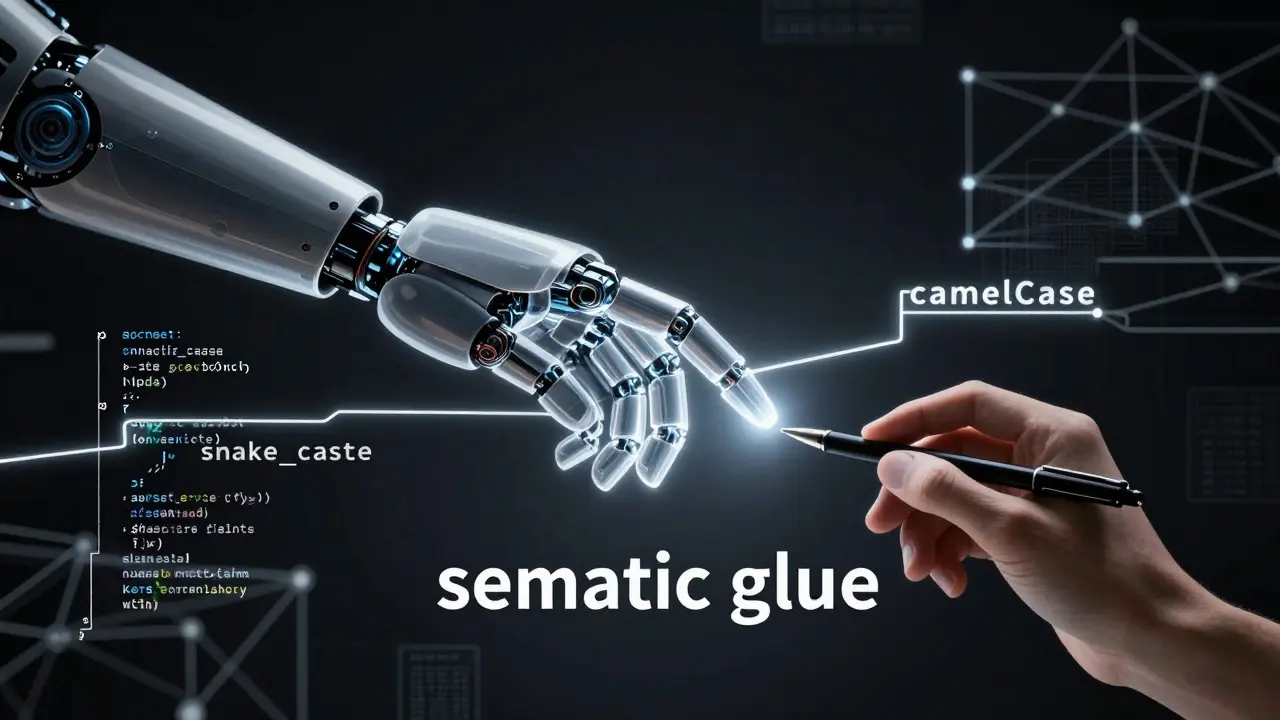
When an Large Language Model (LLM) scans your codebase to generate new features, it relies on patterns. If your existing code uses snake_case for variables but the AI generates camelCase, the model gets confused. It loses track of relationships between functions and data structures. Dr. Sarah Chen from Microsoft’s AI4Software group called consistent naming the "semantic glue" that allows AI systems to understand code relationships at scale. Without it, the AI is guessing, and guesses lead to bugs.
Why Generic Names Break Your Workflow
The biggest sin in AI-generated code isn’t usually a syntax error. It’s generic identifiers. An analysis by ONSpace AI found that 63% of AI-generated code samples contained vague names like data, result, or temp. In human-written code, that number was only 22%.
Why does this matter? Because these generic names create ambiguity. When you later ask the AI to refactor a module, it doesn’t know if processData() refers to user input, database records, or API responses. This ambiguity causes integration errors. GitLab’s 2025 survey of 1,200 engineering teams revealed that 34% of integration errors in AI-assisted refactorings stemmed from inconsistent identifier updates. The AI changes one instance of a name but misses others because the pattern wasn’t strong enough to follow.
Tool-Specific Strategies for Enforcing Consistency
Different AI tools handle naming differently. You can’t use a one-size-fits-all prompt. Here is how the major players perform based on benchmarks from early 2025:
| Tool | Default Behavior | Best Practice for Enforcement | Consistency Rate |
|---|---|---|---|
| GitHub Copilot | Defaults to most common patterns in training data (e.g., snake_case for Python). | Use inline comments and project-level .editorconfig files. |
78% (without explicit docs) |
| Claude Code | Strong contextual awareness when provided with documentation. | Maintain a detailed CLAUDE.md file with strict rules. |
92% (with CLAUDE.md) |
| Gemini Code | Excellent within single files; struggles across multiple files. | Provide cross-file context explicitly in prompts. | Variable (file-dependent) |
If you are using Claude Code, the game-changer is the CLAUDE.md file. Anthropic’s engineering team recommends documenting style guidelines here. For example, include a line like: YOU MUST use snake_case for all Python variables and functions. Internal tests showed this simple addition improved naming consistency by 67%. For GitHub Copilot users, relying on default settings isn’t enough. You need to embed examples directly into your prompts. Instead of asking for a "user model," specify: "Generate a User model using user_* prefix for all fields, matching our existing User schema: user_id, user_name, user_email."
Automating Enforcement with Pre-Commit Hooks
Relying on code reviews to fix naming issues is inefficient. As Molisha Shah noted, it’s like relying on proofreading to fix bad writing-the damage is already done. By the time the code reaches review, you’ve wasted time generating it, reviewing it, and then rewriting it.
The solution is automated enforcement. You need to integrate linters and formatters into your CI/CD pipeline or local pre-commit hooks. Here is what you should set up based on your language stack:
- Python: Use Black for formatting and Flake8 or Ruff for linting. Configure them to enforce PEP 8 strictly.
- JavaScript/TypeScript: Implement Prettier for consistent formatting and ESLint with custom rules for naming conventions.
- Go: Run gofmt automatically. It enforces standard Go naming practices rigidly.
GitLab’s 2024 DevOps report found that teams implementing these tools in their pipelines reduced naming convention violations by 89%. One senior engineer at a Fortune 500 company reported that after setting up pre-commit hooks with Black and Flake8, their AI-generated code acceptance rate jumped from 58% to 89% in just three weeks. The AI still makes mistakes, but the hooks catch them before they ever touch the main branch.

Building Your Team’s Naming Protocol
Setting this up takes effort, but the payoff is huge. Augment Code’s research shows that teams with enforced naming conventions experience 28% faster onboarding for new developers and 22% fewer merge conflicts. Here is a practical three-step plan to get started:
- Audit Existing Patterns: Pick 5-10 representative files from your current codebase. Document the naming patterns you actually use. Are booleans prefixed with
is_orhas_? Do database models use singular or plural nouns? - Create Prompt Templates: Build standardized prompts for your team. Instead of vague requests, use templates that include specific constraints. Example: "Generate a Python service class following PEP 8. Use
snake_casefor methods, type hints for all parameters, and docstrings explaining the return value." - Configure Tooling: Set up the linters mentioned above. Ensure every developer has these running locally via pre-commit hooks. This creates a feedback loop where the AI learns from corrections over time.
Expect a learning curve. ONSpace AI notes that teams typically need 2-3 weeks to establish effective protocols. Initial setup might take 8-12 hours, but it saves dozens of hours per month. According to their survey, teams that expect AI to intuit their conventions without instruction waste nearly 20 hours per developer monthly on unnecessary revisions.
Future-Proofing Your Codebase
The industry is moving toward proactive convention embedding. By mid-2026, we expect to see more advanced features like GitHub Copilot’s planned "Style Memory" becoming standard, which will analyze existing code to auto-suggest naming patterns. However, don’t wait for the tools to get smarter. Start enforcing consistency now.
Gartner predicts that teams neglecting naming consistency in AI-generated code will accumulate technical debt at 3.2x the normal rate. In regulated industries like finance and healthcare, auditable naming standards are already emerging as a requirement under new frameworks like IEEE P2851. Treat naming conventions as infrastructure, not decoration. Your future self-and your AI co-pilot-will thank you.
Why do AI coding assistants generate generic variable names?
AI models are trained on vast amounts of public code, where generic names like data or result are statistically common. Without explicit instructions or context from your specific codebase, the model defaults to these high-probability tokens. Providing specific examples in your prompts or using configuration files like CLAUDE.md forces the model to prioritize your project's unique patterns over general training data.
How much time does enforcing naming conventions save?
Research indicates significant time savings. Teams with enforced conventions reduce AI code generation iteration time by 43% and decrease review time by 31%. Additionally, ONSpace AI found that teams without explicit instructions waste approximately 19.7 hours per developer monthly on revisions caused by inconsistent naming.
What is the best way to configure GitHub Copilot for consistent naming?
Since Copilot relies heavily on immediate context, the best approach is to include specific naming examples in your inline comments and prompts. For instance, comment out a sample function with the desired naming structure before asking the AI to generate similar code. Also, ensure your project has a robust .editorconfig and linter setup to catch deviations immediately.
Does consistent naming affect AI performance beyond readability?
Yes. Consistent naming acts as "semantic glue" for LLMs. When names are predictable, the AI can better infer relationships between different parts of the codebase. This leads to more accurate refactoring suggestions, fewer hallucinations about variable types, and reduced integration errors during complex multi-file operations.
Are there regulatory requirements for AI-generated code naming?
Emerging standards like IEEE P2851 (released January 2025) address naming consistency in AI-assisted development, particularly in regulated sectors like finance and healthcare. While not yet a universal law, auditable naming standards are becoming a best practice for compliance and risk management in enterprise environments.


Comments
Brannen Hall
Here we go again with the 'AI is dumb if you don't hold its hand' narrative. It's not that the AI generates garbage names, it's that developers are too lazy to write decent prompts or actually review their code before committing. If your variable is named 'data1', that's on you for accepting the output without a second thought. Stop blaming the tool for your lack of diligence.
August 4, 2026 AT 22:59
tiffany King
I totally get where everyone is coming from! It’s such a relief to see this topic addressed because I’ve been struggling with exactly this in my team. We started using those CLAUDE.md files last month and honestly, it felt like magic. The consistency improved overnight and our reviews became so much smoother. It’s great to know we aren’t alone in thinking naming conventions matter for AI context!
August 6, 2026 AT 00:14
Brenna Gonedrman
Oh my gosh, yes! This is huge! I mean, really huge! Like, can we all just agree that snake_case is basically the only way to survive right now? I was losing my mind trying to merge branches where one person used camelCase and the AI kept guessing wrong. It was a total disaster zone. Now I force everyone to use strict linters and if they complain, I tell them to read this article. It saves so much time and stress. Just do it!
August 6, 2026 AT 17:11
Courtney Wagstaff
I’ve been riding the wave of AI coding tools since early 2024, and let me tell you, the difference between a chaotic repo and a well-oiled machine is often just how you name things. It’s wild how much 'semantic glue' actually works. When I switched to explicit prompt templates, the AI stopped hallucinating variable types entirely. It’s like teaching a puppy tricks-once it gets the pattern, it sticks. Pretty cool stuff, really.
August 8, 2026 AT 02:56
Elisabeth Ballet
Let’s be real here. If you’re still manually reviewing every single line of AI-generated code for naming errors, you’re doing it wrong. Set up the pre-commit hooks mentioned in the post. Black, Ruff, ESLint-they catch 90% of these issues automatically. Don’t waste your brainpower on formatting when you could be solving actual business problems. Automate the boring stuff so you can focus on architecture. Trust the process.
August 10, 2026 AT 01:27
Dave Gibbeson
Look, the data doesn't lie. 37% of AI code needs fixing due to naming issues. That is unacceptable overhead. Implement the .editorconfig and strict linting rules today. It takes two hours to set up and saves you twenty hours a month. Stop making excuses and start enforcing standards. Your future self will thank you when you aren't debugging integration errors caused by ambiguous identifiers.
August 10, 2026 AT 02:47