GPU Selection for LLM Inference: A100 vs H100 vs CPU Offloading

- Mark Chomiczewski
- 17 September 2026
- 10 Comments
You’ve trained your model. It’s smart, it’s capable, and now you need to run it in production. But when you look at the cloud provider bills, your heart sinks. Choosing the right hardware for LLM inference isn’t just a technical detail; it’s the difference between a profitable service and a money pit. Should you grab the latest NVIDIA H100? Stick with the battle-tested A100? Or try to squeeze a massive model onto consumer-grade hardware using CPU offloading?
The answer depends entirely on your traffic volume, latency requirements, and budget. Let’s break down the real-world performance of these three approaches so you can make an informed decision without burning through your infrastructure budget.
Key Takeaways
- H100 is the new standard: For high-volume production, the H100 offers up to 3x better cost-efficiency than the A100 due to superior throughput and FP8 support.
- A100 remains viable for low-concurrency: If you have sporadic traffic or smaller models (<13B parameters), the A100’s lower hourly rate often wins on price.
- CPU offloading is for development only: While it allows running huge models on cheap hardware, latency penalties (2-5 seconds per token) make it unsuitable for real-time user interactions.
- Memory bandwidth is the bottleneck: The H100’s 3.35 TB/s bandwidth significantly outperforms the A100’s 2.0 TB/s, which is critical for large context windows.
NVIDIA H100: The Performance Powerhouse
If you are building a product where users expect instant responses, the NVIDIA H100 is currently the gold standard. Released in late 2022 based on the Hopper architecture, this card was explicitly designed to handle transformer-based workloads that dominate modern AI.
Why does everyone want one? It comes down to raw speed and efficiency. The H100 features a fourth-generation Tensor Core design with FP8 precision support, allowing it to process data twice as fast as previous generations while using half the memory. In practical terms, if you’re running a Llama 3.1 70B model, an H100 SXM5 can generate roughly 3,311 tokens per second. Compare that to the A100’s 1,148 tokens per second, and you see why companies are switching.
But here’s the kicker: it’s not just about speed; it’s about cost-per-token. Even though an H100 instance costs more per hour than an A100, it processes nearly three times the workload. Recent benchmarks show that despite higher hourly rates, the H100 can be up to 18% cheaper per generated token because you spend less time renting the GPU for each request. Plus, with cloud prices dropping by 40% since early 2025, the barrier to entry has lowered significantly.
NVIDIA A100: The Reliable Workhorse
Don’t count out the NVIDIA A100 just yet. Launched in 2020, this Ampere-based GPU is still everywhere. Why? Because it’s mature, widely available, and often cheaper to rent on spot instances.
The A100 shines in scenarios where you don’t need maximum concurrency. If your application handles fewer than 20 concurrent users, or if you’re running smaller models (under 13 billion parameters), the A100 often provides a better price-performance ratio. Its software ecosystem is incredibly stable-tools like vLLM and DeepSpeed work out of the box with minimal tweaking. With 80GB of HBM2e memory and 2.0 TB/s bandwidth, it handles most mid-sized LLMs comfortably.
However, the A100 struggles with scale. As model sizes grow beyond 70B parameters, the memory bandwidth becomes a severe bottleneck. You’ll find yourself waiting longer for each token generation compared to the H100, which hurts user experience in chat applications. Additionally, the lack of native FP8 support means you can’t leverage the latest quantization techniques that boost inference speed on newer cards.

CPU Offloading: Cheap but Slow
What if you can’t afford a data center GPU? Enter CPU offloading. This technique uses libraries like Hugging Face Accelerate or llama.cpp to store model weights in system RAM instead of VRAM, pulling them into the GPU only when needed.
This approach democratizes access to large models. You can run a 70B parameter model on a server with 64GB+ of DDR5 RAM and a modest GPU. It’s perfect for developers testing prototypes or running batch jobs overnight where latency doesn’t matter. Stanford University’s recent study confirmed that while CPU offloading enables deployment on resource-constrained environments, it introduces unacceptable delays for production apps.
We’re talking about response times jumping from milliseconds to seconds. Instead of generating text instantly, a CPU-offloaded setup might take 2-5 seconds per token. For a chatbot, that feels broken. Furthermore, managing memory swapping adds significant engineering overhead. You’ll spend days tuning swap rates and batch sizes just to get stable performance, whereas GPU-native solutions work immediately.
Performance Comparison: H100 vs A100 vs CPU
To help you decide, let’s look at concrete numbers. These benchmarks reflect typical enterprise usage patterns for a 70B parameter model using vLLM.
| Metric | NVIDIA H100 | NVIDIA A100 | CPU Offloading |
|---|---|---|---|
| Throughput (Tokens/sec) | ~3,300 | ~1,150 | ~5-10 |
| Latency per Token | < 50ms | ~100-200ms | 2-5 seconds |
| Memory Bandwidth | 3.35 TB/s | 2.0 TB/s | N/A (System RAM) |
| Cost Efficiency | High (Best for scale) | Medium (Good for low load) | Low (High operational cost) |
| Setup Complexity | Moderate (FP8 tuning) | Low (Mature tooling) | High (Memory management) |
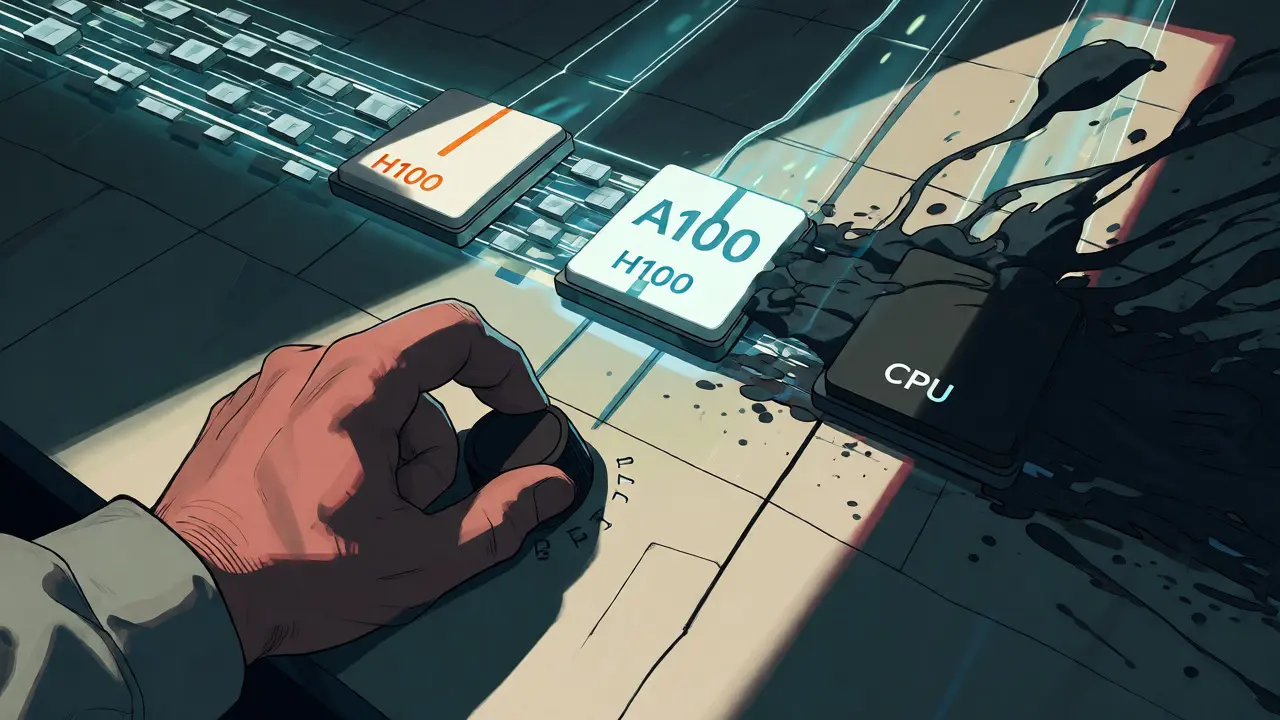
When to Choose Which Option?
Selecting the right hardware isn’t about picking the fastest card; it’s about matching the tool to the job. Here’s a simple decision framework:
- Choose H100 if: You have high traffic (>50 concurrent users), require sub-second latency, or are running models larger than 70B parameters. The upfront cost pays off quickly through reduced compute time.
- Choose A100 if: Your traffic is spiky or low-volume, you’re using older frameworks that haven’t been updated for Hopper architecture, or you have existing contracts with cloud providers offering steep discounts on A100s.
- Choose CPU Offloading if: You are in the prototyping phase, running batch processing where delay is acceptable, or working with a strict budget that prohibits any dedicated GPU rental.
One critical factor often overlooked is concurrency handling. The H100’s advanced NVLink interconnect (900 GB/s vs A100’s 600 GB/s) allows multiple GPUs to share memory more efficiently. This means you can serve more simultaneous requests before hitting latency thresholds. In a financial services case study, engineers reported handling 37 concurrent users on an H100 versus only 22 on an A100 before performance degraded.
Implementation Pitfalls to Avoid
Switching to H100 isn’t plug-and-play. To get those 3x speedups, you must enable FP8 precision in your inference engine. Many teams miss this step and end up paying H100 prices for A100-level performance. Expect 2-4 weeks of engineering effort to fully optimize pipelines for FP8.
With CPU offloading, beware of "thrashing." If your system RAM is too tight, the CPU spends more time moving data than computing, causing throughput to plummet. Always leave at least 20% headroom in your RAM. Also, note that AMD EPYC processors handle these workloads better than Intel Xeon due to higher core counts and memory channels, but even then, they can’t compete with GPU tensor cores.
Is the H100 worth it for small startups?
It depends on your growth stage. If you have predictable, growing traffic, yes-the cost per token is lower. However, if you are still validating your product with sporadic usage, the A100’s lower minimum commitment might be safer financially until you reach steady-state volume.
Can I use CPU offloading for real-time chatbots?
Generally, no. Real-time interactions require sub-second latency. CPU offloading typically results in 2-5 second delays per token, which makes conversations feel sluggish and unnatural. It is best reserved for background tasks or non-interactive batch processing.
Does the A100 support FP8 precision?
No, the A100 does not natively support FP8 precision. It relies on FP16 or INT8 formats. The H100’s Transformer Engine specifically leverages FP8 to double throughput and reduce memory footprint, a key advantage for large-scale inference.
How much faster is H100 compared to A100?
For LLM inference, the H100 is typically 2-3x faster in throughput. In specific optimized scenarios using FP8, gains can reach up to 4x. The exact improvement depends on model size, batch size, and whether you utilize the Transformer Engine effectively.
What is the main risk of CPU offloading?
The primary risk is unpredictable latency spikes caused by memory swapping. Under heavy load, the system may struggle to move weights between RAM and GPU fast enough, leading to inconsistent response times that frustrate users.
Next Steps
Start by benchmarking your specific model on an A100. Measure tokens per second and latency at your expected concurrency levels. Then, replicate the test on an H100. Calculate the cost per million tokens for both. If the H100 saves you more than 15% on compute costs, switch immediately. If you’re stuck with CPU offloading, consider upgrading your RAM speed to DDR5 and optimizing your batch size to minimize swap overhead.



Comments
Jeff Falcon
honestly, i think people are way too obsessed with the raw specs on paper and totally ignore the engineering debt that comes with switching architectures, because sure, the H100 is faster, but if you don't have a dedicated team to optimize for FP8 and handle the new CUDA versions, you're just burning money for marginal gains that get eaten up by dev time!!!
September 17, 2026 AT 12:26
Kyle Ware
Agreed. The optimization overhead is real. Most startups underestimate the 2-4 week ramp-up.
September 19, 2026 AT 03:26
Alyson Karson
Dude stop being so negative!! You can literally just use vLLM or TGI and it handles most of that stuff for you now?? Like seriously its not rocket science anymore, just read the docs and deploy it already, dont let perfect be the enemy of good!!!
September 20, 2026 AT 11:14
Chris Neal
That's only true if your model fits comfortably in VRAM without aggressive quantization breaking accuracy. Once you start pushing batch sizes near the limit, the memory fragmentation issues in standard PyTorch implementations become non-trivial. You need custom kernels or specific attention mechanisms like FlashAttention-2 to actually realize those theoretical speedups. Without that, you're often seeing closer to 1.2x improvement rather than 3x.
September 20, 2026 AT 20:41
Brannen Hall
Or maybe we should just admit that LLM inference is a solved problem for 99% of use cases and everyone is over-engineering their stack for ego?
September 21, 2026 AT 01:41
Vishnu Vardhan Reddy M S
Haha oh please, 'solved problem' is such a classic contrarian take. Have you ever tried serving a 70B model to 50 users simultaneously on a budget? It’s not about ego, it’s about not going bankrupt on AWS bills when your user base spikes on a Tuesday afternoon. Sarcastic as I am, I know the pain of scaling costs firsthand.
September 22, 2026 AT 08:06
Onyinyechi Nwosu
the part about cpu offloading latency really hit home for me... we tried it for a background summarizer and yeah 2-5 seconds feels like an eternity when you're waiting for it...
September 23, 2026 AT 06:42
Iva Grekova
It’s totally valid to stick with A100s if you have existing contracts. Don’t feel pressured to upgrade just because it’s shiny. Stability often beats marginal speed improvements in production environments.
September 25, 2026 AT 03:44
Chandan Singh
Technically speaking, the NVLink bandwidth difference mentioned (900 vs 600 GB/s) applies to specific configurations like NVSwitch domains. In many cloud instances, you are still bottlenecked by PCIe Gen4/Gen5 lanes unless you are using multi-GPU setups within a single node. Furthermore, FP8 support requires careful calibration to avoid precision loss in reasoning tasks, which is rarely discussed in these high-level comparisons. One must also consider the thermal design power (TDP) differences; H100s run hotter and require more robust cooling solutions, adding hidden infrastructure costs that are often overlooked in simple cost-per-token calculations.
September 25, 2026 AT 17:54
john randall
fair points all around. just benchmark your own workload before making the jump.
September 27, 2026 AT 02:31