How to Choose Batch Sizes to Minimize Cost per Token in LLM Serving
- Mark Chomiczewski
- 6 June 2026
- 6 Comments
You are paying too much for your Large Language Model (LLM) inference. If you are sending requests one by one to your GPU or API provider, you are leaving money on the table. The difference between a profitable AI product and a cash-burning experiment often comes down to one technical decision: how you group those requests.
Batching is not just a performance tweak; it is an economic lever. By grouping multiple user queries into a single computation block, you maximize the work your hardware does per second. This directly lowers the cost per token. In 2026, with the LLM market projected to hit $36.1 billion, efficiency isn't optional-it's survival. Let’s look at exactly how to pick the right batch size for your specific workload without sacrificing latency.
The Economics of Batching: Why Size Matters
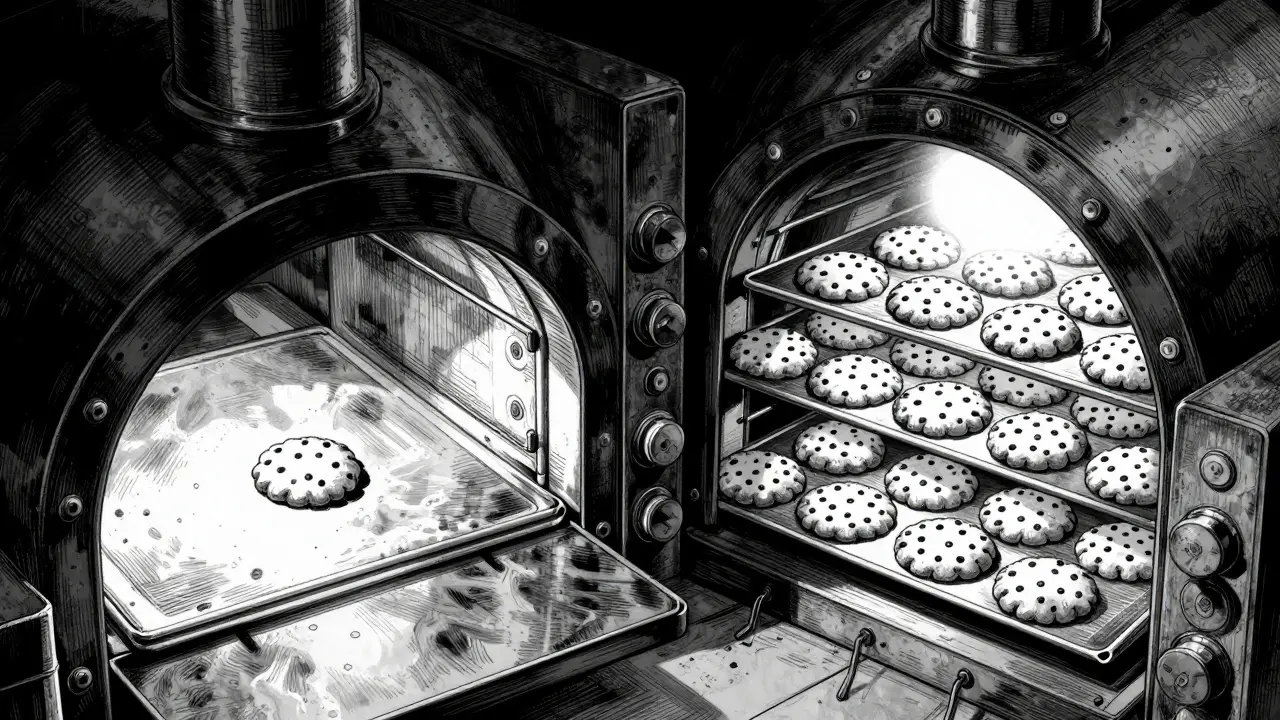
At its core, LLM serving is about keeping the GPU busy. GPUs are expensive parallel processors. When you send a single request, the GPU spends most of its time waiting for data rather than computing. It’s like filling a massive industrial oven with a single cookie. You pay for the electricity to heat the whole chamber, but you only get one result.
When you batch requests, you fill that oven. According to research from Koombea AI, proper batching can reduce API overhead costs by up to 90%. Organizations like First American and Scribd have reported 50% cost reductions on massive document processing workloads simply by optimizing this parameter. The math is simple: if your GPU processes 1,000 tokens per second whether you send one request or fifty, the cost per token drops dramatically as the batch size increases.
However, there is a catch. Larger batches mean longer wait times for individual users. This is the fundamental trade-off in LLM serving: throughput versus latency. Your goal is to find the "sweet spot" where you maximize GPU utilization without pushing response times beyond what your users will tolerate.
Static vs. Dynamic vs. Continuous Batching
Not all batching strategies are created equal. Choosing the wrong type can negate the cost savings you’re trying to achieve. Here is how the three main approaches compare:
| Strategy | Best For | Latency Impact | Cost Efficiency |
|---|---|---|---|
| Static Batching | Predictable workloads (e.g., nightly report generation) | High (waits for full batch) | Moderate |
| Dynamic Batching | Variable traffic (e.g., chatbots during peak hours) | Medium (adjusts based on queue) | High |
| Continuous Batching | Real-time interactive apps requiring high throughput | Low (inserts new requests as others finish) | Very High (up to 24x throughput gain) |
Static batching is the simplest to implement but the least efficient for real-time apps because it waits for a fixed number of requests before starting computation. Dynamic batching improves this by adjusting the batch size based on current load. However, Continuous Batching is the gold standard for modern LLM serving. Tools like vLLM and TensorRT-LLM use this technique to allow new sequences to be inserted into the batch as soon as other sequences complete generation. This keeps the GPU fully utilized throughout the entire generation process, not just at the start. Benchmarks show continuous batching can achieve up to 24x higher throughput compared to standard implementations.

Optimal Batch Sizes by Task Type
There is no universal "best" batch size. The optimal number depends heavily on what your model is doing. A classification task is computationally lighter than open-ended text generation. Here are the recommended ranges based on industry benchmarks from 2024-2025:
- Text Generation (Open-ended): 10-50 requests per batch. These tasks require more memory for the Key-Value (KV) cache as tokens are generated sequentially.
- Classification & Sentiment Analysis: 100-500 requests per batch. Since these tasks output a single label or short string, they consume less memory and benefit from large parallel processing.
- Simple Q&A Systems: 50-200 requests per batch. These fall in the middle, balancing context length with output brevity.
For example, a fintech engineering team reduced their support ticket classification costs by 58% by moving from individual API calls to a batch size of 35. They noted that it took three weeks of tuning to find this specific number, highlighting that empirical testing is crucial. If you are using a smaller model like Mistral 7B, you can push these numbers higher. If you are running a behemoth like LLaMA2-70B, you may need to stay lower to avoid running out of memory.
Hardware Constraints and Memory Limits
Your choice of batch size is ultimately capped by your GPU’s VRAM (Video RAM). Every active request in a batch consumes memory for the KV cache, which stores the context of the conversation. As the batch size grows, so does the memory footprint.
Research published in early 2025 indicates that consumer-grade GPUs often offer superior memory bandwidth per dollar compared to enterprise chips like the A100 or H100 for smaller models. However, for large models, you are likely bound by total capacity. A common limit seen in benchmarks is a batch size of 64 for larger models before hitting out-of-memory errors. Beyond this point, throughput plateaus while latency spikes dangerously.
To manage this, consider these hardware-aware strategies:
- Quantization: Using 4-bit or 8-bit quantized models reduces memory usage significantly, allowing you to increase batch sizes without upgrading hardware.
- Model Cascading: Route 90% of simple queries to a small, cheap model (like Mistral 7B) and only send complex tasks to premium models. This combination with batching can cut costs by up to 87%.
- Early Stopping: Configure your system to halt token generation once a satisfactory completion is reached. This can reduce output tokens by 20-40%, freeing up memory for larger batches.

Practical Implementation Steps
Implementing effective batching requires a structured approach. Do not guess. Measure.
Step 1: Baseline Your Current Costs. Calculate your current cost per token and average latency. If you are using OpenAI’s API, note that their Batch API offers significant discounts (up to 50% off standard rates) for non-real-time jobs. If you are self-hosting, track your GPU utilization metrics.
Step 2: Identify Your Latency Budget. How slow can your app be? For a chatbot, users might tolerate a 500ms delay. For a background document processor, a 5-second delay is fine. This budget dictates your maximum viable batch size.
Step 3: Test Incrementally. Start with a small batch size (e.g., 4) and double it (8, 16, 32) while monitoring two metrics: throughput (tokens per second) and p95 latency. Stop increasing the batch size when latency exceeds your budget or when throughput gains diminish (diminishing returns usually hit around batch size 64).
Step 4: Deploy Continuous Batching. If your infrastructure allows, switch from static to continuous batching using engines like vLLM. This automatically handles the complexity of inserting new requests as old ones finish, maximizing efficiency without manual tuning.
Common Pitfalls to Avoid
Many teams make the mistake of maximizing batch size regardless of consequences. This leads to "tail latency" issues, where a few users experience extremely long wait times because they got stuck behind a heavy batch. Always monitor p95 and p99 latency, not just averages.
Another pitfall is ignoring input sequence length variability. A batch containing ten short prompts and one very long prompt will be constrained by the long prompt’s processing time. Consider padding shorter inputs or separating long-context requests into their own queues to maintain consistent performance.
Finally, do not neglect the cost of streaming. Streaming responses typically cost 20-40% more than batch processing due to the overhead of maintaining constant connections. If your application doesn’t strictly require real-time character-by-character display, disable streaming to save costs.
What is the ideal batch size for LLM text generation?
For general text generation, a batch size of 10-50 is typically optimal. This range balances GPU utilization with acceptable latency. Larger batches may cause significant delays for individual users, while smaller batches underutilize the GPU.
How does continuous batching differ from static batching?
Static batching waits for a fixed number of requests before processing them all together. Continuous batching dynamically inserts new requests into the pipeline as soon as previous requests finish generating tokens. This results in much higher GPU utilization and better throughput, especially for variable-length outputs.
Can batching reduce my OpenAI API costs?
Yes. OpenAI offers a dedicated Batch API that provides up to 50% discount on standard pricing for non-real-time jobs. Additionally, even if you don't use their specific API, batching your requests to third-party providers can reduce overhead fees associated with individual API calls.
Why does my GPU run out of memory with large batch sizes?
Each request in a batch requires memory for the Key-Value (KV) cache, which stores the context of the conversation. As batch size increases, the total memory required grows linearly. If the combined memory needs exceed your GPU's VRAM, you will encounter out-of-memory errors. Quantization or using smaller models can help mitigate this.
Is streaming more expensive than batch processing?
Yes, streaming responses typically cost 20-40% more than batch processing. This is due to the computational overhead of maintaining persistent connections and sending data incrementally. If real-time display is not critical, disabling streaming can significantly lower costs.



Comments
Francis Laquerre
Oh my god, this is exactly what I needed to read today because my wallet has been crying out loud every time I look at our AWS bill and it just feels like a personal attack on my life choices. The oven analogy? Chef's kiss. It’s so dramatic how we treat GPUs like they’re infinite resources when really we’re just burning cash for the sake of looking busy. I mean, seriously, who approved sending one request at a time? Was that a senior engineer or just someone who didn’t want to learn how to batch? It’s tragic, honestly. Like watching a slow-motion car crash but with more spreadsheets.
June 8, 2026 AT 04:32
Saranya M.L.
The article presents a superficial overview of batching strategies that fails to account for the nuanced architectural constraints inherent in modern transformer implementations, particularly regarding KV cache fragmentation and memory bandwidth saturation which are critical factors often overlooked by amateur practitioners. While the suggestion to utilize continuous batching via frameworks such as vLLM is technically sound from a throughput perspective, it ignores the significant latency jitter introduced during sequence insertion, which can be detrimental to real-time interactive applications requiring strict SLA adherence. Furthermore, the claim that consumer-grade GPUs offer superior memory bandwidth per dollar is a gross oversimplification that disregards the PCIe bottleneck and lack of NVLink interconnects in enterprise clusters, rendering such comparisons irrelevant for large-scale production deployments where total cost of ownership includes not just hardware acquisition but also operational complexity and failure recovery mechanisms. One must also consider the impact of quantization on model accuracy degradation, which is rarely linear and can lead to catastrophic failures in downstream tasks if not rigorously evaluated against specific domain benchmarks rather than generic MMLU scores.
June 8, 2026 AT 23:06
om gman
lol another tech bro telling us how to save money while ignoring the fact that most of you are running these models on setups that would make a potato blush. you think your little batch size tweak matters when the entire industry is built on hype and venture capital bubbles waiting to burst? keep optimizing your tokens while the rest of us try to figure out why our servers are smoking. typical
June 9, 2026 AT 02:21
Jeanne Abrahams
I suppose if you spent less time being sarcastic and more time reading the section on quantization, you might realize that efficiency isn't just about saving pennies but about actually keeping your service online. But sure, keep whining about 'tech bros' while your application times out because you refused to implement basic load balancing. How original.
June 9, 2026 AT 21:24
Andrea Alonzo
I completely understand where everyone is coming from with their frustration because it is incredibly overwhelming to try and balance all these different technical requirements while also trying to maintain a healthy work-life balance and ensure that the user experience remains seamless and intuitive for everyone involved in the process. When I first started looking into dynamic batching, I felt so lost because there were so many variables to consider, such as the variance in input lengths and the unpredictable nature of user traffic patterns, which made it difficult to determine an optimal strategy without extensive trial and error testing over several weeks. However, once I began implementing a gradual increase in batch sizes while closely monitoring the p95 latency metrics, I noticed a significant improvement in both throughput and cost efficiency, which was incredibly rewarding and gave me a sense of accomplishment that I had not felt in quite some time. It is important to remember that optimization is not a one-time event but rather an ongoing journey that requires patience, persistence, and a willingness to adapt to changing conditions, and I hope that sharing my experience here can provide some comfort and guidance to those who are currently struggling with similar challenges in their own projects.
June 10, 2026 AT 12:52
michael rome
Let’s get this done right.
June 11, 2026 AT 17:33