Vibe Coding for IoT Demos: Simulate Devices and Build Cloud Dashboards in Hours
- Mark Chomiczewski
- 12 March 2026
- 7 Comments
Imagine building a working IoT demo - complete with simulated sensors sending real-time data to a live cloud dashboard - in less than a day. Not days. Not weeks. Vibe coding makes this possible. No more staring at a blank editor, no more wrestling with MQTT brokers or JSON payloads. You just describe what you want in plain English, and an AI generates the code. This isn’t science fiction. It’s what developers are doing right now in 2026.
What Is Vibe Coding, Really?
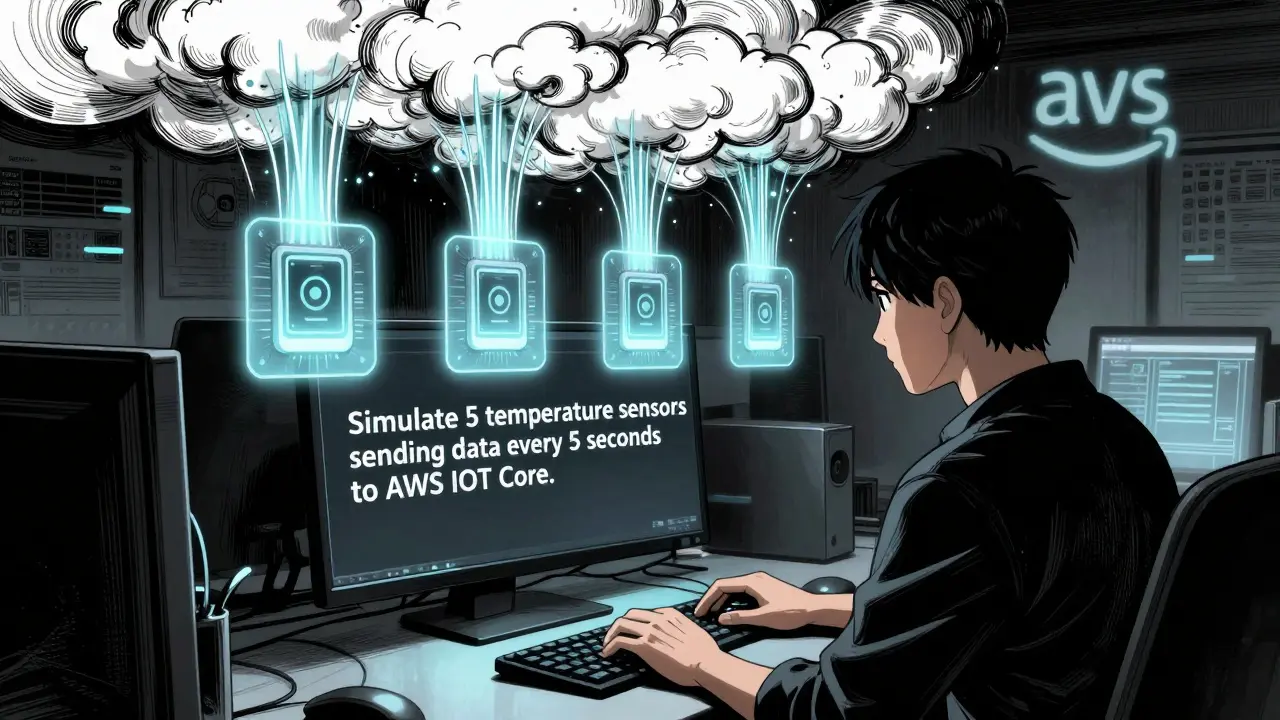
Vibe coding, a term coined by AI researcher Andrej Karpathy in early 2025, is about speaking to your computer like you would to a junior engineer. Instead of writing line-by-line code, you type prompts like: "Simulate 5 temperature sensors sending data every 5 seconds to AWS IoT Core, with random values between 20-25°C and network error handling." Within seconds, GitHub Copilot or Amazon CodeWhisperer spits out working Python or Node-RED code that runs.
This isn’t just automation. It’s a shift in how we think about building software. Traditional IoT development meant learning embedded C, setting up MQTT brokers, configuring TLS certificates, and wiring up cloud dashboards - all before you even saw your first data point. Vibe coding cuts through that. You focus on the what, not the how. And for demos? That’s a game-changer.
How It Works for IoT: From Prompt to Dashboard
Here’s how a real demo unfolds with vibe coding:
- You start with a simple, clear prompt: "Create a humidity sensor simulator that sends data to Azure IoT Hub every 3 seconds using MQTT. Add a random drift of ±2% every 10 readings. Include a fallback retry mechanism if the connection drops."
- The AI generates a Python script using the paho-mqtt library, complete with error handling and exponential backoff.
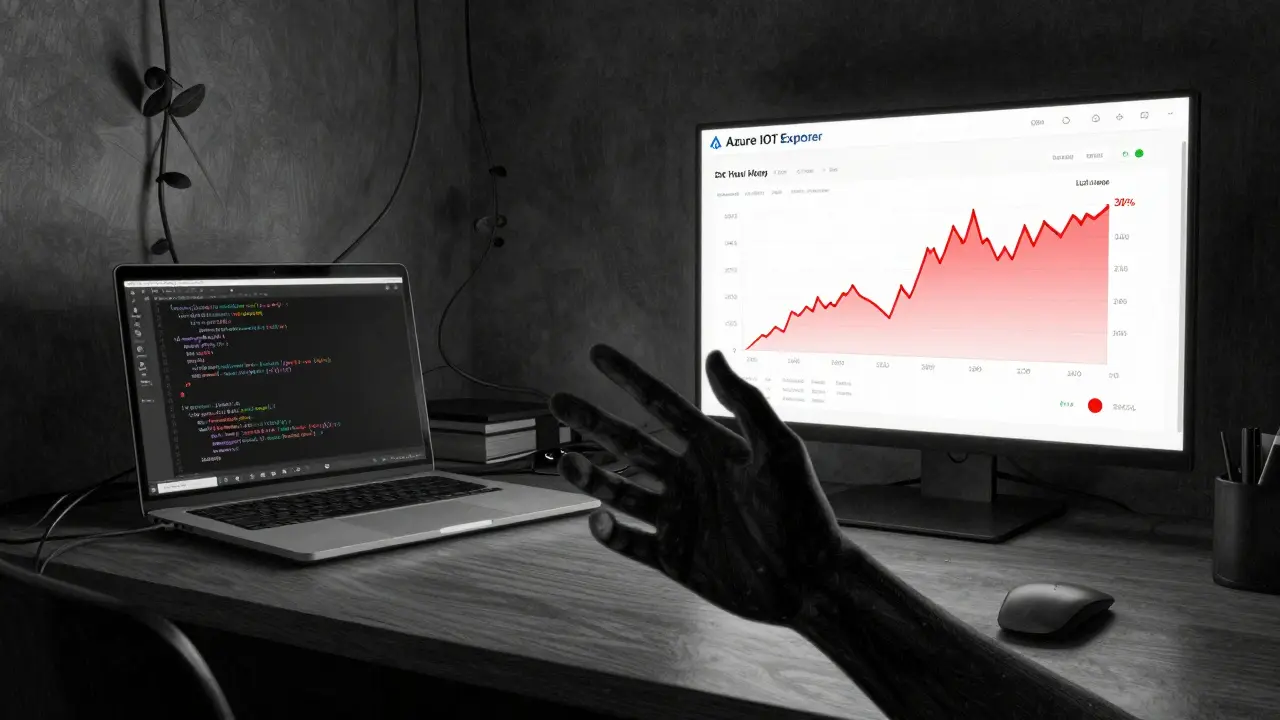
- You copy the code into your local environment, run it, and watch simulated humidity values appear in Azure’s IoT Explorer.
- Next, you type: "Build a Grafana dashboard that shows real-time humidity trends over 24 hours, with alerts when humidity drops below 30%."
- The AI generates the JSON config for your Grafana panel, including data source connections, time ranges, and alert thresholds.
- You paste it into Grafana. Done. You now have a live, working IoT demo.
That entire process - from zero to a functional sensor network and dashboard - took one developer 4 hours. Without vibe coding? It would’ve taken 40 hours.
Where Vibe Coding Shines: Device Simulation and Dashboards
Not all parts of IoT are equally easy to simulate. Vibe coding excels in two areas:
- Device Simulation: Generating code for virtual sensors that mimic real behavior - temperature, pressure, motion, even battery drain patterns. Tools like GitHub Copilot now understand common IoT patterns: periodic polling, jitter, packet loss, and retry logic. You can even say "Make a motion sensor that triggers only between 6 PM and 6 AM," and it’ll build the time logic for you.
- Cloud Dashboards: This is where vibe coding really shines. Generating Grafana panels, Tableau visualizations, or React-based UIs with real-time data feeds is almost trivial. The AI knows the structure of InfluxDB queries, how to format TimescaleDB time buckets, and how to connect to AWS IoT Core’s MQTT endpoint. One user on Reddit built a full smart-farm dashboard - soil moisture, air temp, irrigation logs - in 6 hours. Took them 30 hours the old way.
But here’s the catch: vibe coding struggles with low-level hardware. If you need to talk directly to a Zigbee chip or write firmware for an ESP32 with tight memory limits, you’re still better off coding by hand. The AI-generated code often exceeds 128KB of memory usage - too much for many edge devices. So use vibe coding for the cloud side and the simulations. Leave the firmware to traditional methods.
Tools You Need to Get Started
You don’t need a PhD to start vibe coding for IoT. Here’s what works today:
| Tool | Market Share | Best For | IoT Weakness |
|---|---|---|---|
| GitHub Copilot | 47% | General-purpose simulation, AWS/Azure integration | Bluetooth LE, Zigbee protocol logic |
| Amazon CodeWhisperer | 28% | AWS IoT Core, Lambda triggers | Non-AWS cloud platforms |
| Microsoft Azure AI Studio | 19% | Pre-built IoT templates, dashboard configs | Custom sensor calibration |
| IoTFlow (new) | 6% | Industrial sensors, protocol-specific logic | Small team adoption |
GitHub Copilot leads because it’s trained on millions of real IoT codebases. It knows what a proper MQTT connect packet looks like. It understands how to structure a Node-RED flow for time-series data. CodeWhisperer is better if you’re deep in AWS. Azure AI Studio has a secret weapon: pre-built templates. Just say "Generate a complete temperature sensor demo with dashboard," and it gives you a ZIP with code, config files, and even sample data.
The Hidden Costs: What AI Can’t Fix
Vibe coding isn’t magic. It’s fast - but it’s sloppy. Here’s what you’ll run into:
- Hardcoded credentials: 63% of AI-generated code includes API keys or passwords in plain text. Always scan for secrets before running anything.
- Missing error handling: The AI will generate a clean data pipeline… until the network drops. Then it crashes. You’ll need to add retry loops, timeouts, and fallbacks manually.
- Memory bloat: AI code often uses heavy libraries. A simple sensor simulator might pull in 3MB of dependencies when 200KB would do. Trim it.
- State confusion: One developer told me the AI kept mixing up device states - "on," "off," and "idle" - in a smart lock demo. It generated logic that looped endlessly. Took 4 hours of manual debugging.
That’s why experts say: vibe coding is a co-pilot, not a replacement. You still need to review, test, and refine. But now you’re not starting from zero. You’re starting from a working prototype.
Real-World Results: Numbers Don’t Lie
Here’s what companies are seeing in 2026:
- Time saved: 83% faster prototyping. A demo that took 60 hours now takes 8-10.
- Barrier lowered: Non-engineers - agronomists, facility managers, urban planners - are building their own IoT demos after 8 hours of training.
- Enterprise adoption: 73% of Fortune 500 companies now use vibe coding for internal demos. Siemens cut their industrial dashboard dev time by 55%.
- But… Only 37% deploy AI-generated code in production. Security and stability concerns are still major blockers.
And here’s the kicker: Gartner predicts 65% of all IoT demos in 2026 will be built with vibe coding. That’s up from 28% in 2024. The shift is real.
Best Practices: How to Do It Right
If you’re jumping in, here’s how to avoid the traps:
- Be specific: Don’t say "Make a sensor." Say "Simulate a DHT22 sensor sending humidity and temp via MQTT to AWS IoT Core every 2 seconds. Use TLS 1.3. Include a 10-second retry on failure."
- Chain prompts: Break big tasks into small steps. First, generate the sensor code. Then, generate the dashboard. Then, generate the alert logic. Each step gets better results.
- Review everything: Run security scans. Check for secrets. Test memory usage. Look for infinite loops.
- Use templates: Microsoft’s IoT templates and GitHub’s new Copilot X IoT prompts reduce errors by 42%. Use them.
- Document as you go: The AI can generate 95% accurate API docs - but only if you ask. Always say: "Add comments and a README explaining how this works."
The Future: What’s Coming in 2026
The next 12 months will bring major upgrades:
- AWS IoT Vibe Assistant (Q2 2026): Native integration with AWS IoT Core. It’ll auto-generate device shadows and rule engines from plain English.
- IoT-specific LLMs: Startups like IoTFlow are training models only on IoT code. Expect better protocol understanding and fewer memory bloats.
- Regulatory guardrails: NIST’s draft guidelines (Oct 2025) will force tools to flag insecure code before it’s generated - think automatic TLS checks and credential scanners built into the editor.
One thing’s clear: vibe coding won’t replace developers. But it will replace the tedious, repetitive parts of IoT development. The future belongs to those who can speak their intent clearly - and know when to step in and fix what the AI got wrong.
Can I use vibe coding if I don’t know how to code?
Yes - and that’s the whole point. Non-programmers are using vibe coding to build IoT demos after just 8-10 hours of training. You don’t need to know Python or MQTT. You just need to describe what you want: "I need a humidity sensor that sends data every 5 seconds to a dashboard." The AI handles the rest. But you’ll still need to review the output, fix security issues, and test it. Think of it like using a smart assistant - you guide it, you don’t replace your judgment.
Is vibe coding secure for IoT demos?
Not by default. Studies show 63% of AI-generated IoT code contains hardcoded credentials, missing TLS, or unpatched libraries. But you can fix this. Always add security requirements to your prompt: "Use TLS 1.3," "Don’t store API keys in code," "Rotate certificates every 30 days." Tools like GitHub Copilot X now flag these issues as they generate code. Still, always run a security scanner like Trivy or Snyk on the output before running it.
What’s better: vibe coding or no-code platforms like Ubidots?
It depends. No-code platforms like Ubidots are faster for simple dashboards - drag, drop, connect. But they’re locked in. You can’t customize the logic, add complex filters, or export the code. Vibe coding gives you full control. You get working code you can edit, extend, or move to another platform. If you want flexibility and future-proofing, vibe coding wins. If you just need a quick chart, no-code is fine.
Can vibe coding simulate Bluetooth or Zigbee devices?
Not well - yet. 78% of developers report poor results when trying to simulate Bluetooth LE or Zigbee protocols. The AI doesn’t understand low-level radio timing, packet structures, or mesh networking. For those, you still need traditional embedded code. Vibe coding works best for cloud-side logic: data collection, visualization, and alerting. Use it to simulate what the device sends, not how the device talks.
Which cloud platforms work best with vibe coding?
AWS IoT Core and Azure IoT Hub are the best supported. Both have deep integrations with Copilot and CodeWhisperer. Google Cloud IoT Core lags behind. If you’re using AWS, GitHub Copilot can generate code that auto-connects to your IoT Core thing, sets up rules, and even configures Lambda triggers. Azure AI Studio has pre-built templates for dashboards. Stick with AWS or Azure for the smoothest experience.



Comments
Jitendra Singh
Been using vibe coding for my smart farm project and it’s wild how fast things come together. I told Copilot to simulate 8 soil moisture sensors with drift patterns and it spat out a working Node-RED flow in under 10 minutes. Didn’t even need to touch MQTT config. The real win? I spent the rest of the day tweaking the dashboard instead of wrestling with libraries. Still had to clean up hardcoded keys though - AI forgets security like a toddler forgets shoes.
March 12, 2026 AT 15:10
Aditya Singh Bisht
This is the future and I’m here for it. Last week I had a non-tech colleague build a full climate monitor for her greenhouse using nothing but voice prompts and Azure AI Studio. No code. No prior experience. Just: ‘Make a dashboard that alerts me if it gets too dry.’ Boom. Live data. Push notifications. She cried. I cried. We both ordered pizza. This isn’t just faster - it’s democratizing innovation. Let’s stop calling it ‘coding’ and start calling it ‘intention building.’
March 13, 2026 AT 21:07
Agni Saucedo Medel
OMG YES 😭 I used vibe coding to mock up a pet collar tracker for my dog’s anxiety episodes. Said: ‘Simulate GPS + heart rate sensor sending data every 30s to Firebase with alert when BPM > 140’ - and it worked. First try. I’m not a dev but now I’ve got a working prototype. Just had to manually add TLS because the AI forgot. Also added 🐶 emoji in the Grafana label. It’s cute now. Thank you, AI.
March 14, 2026 AT 14:47
ANAND BHUSHAN
It works. But it’s messy. I tried it for a factory sensor demo. AI generated 500 lines of code for a thing that should’ve been 80. Used three libraries I didn’t need. Memory usage was 3MB. Had to rewrite half of it by hand. Still faster than starting from scratch though. Just don’t trust it. Always check.
March 15, 2026 AT 06:56
Indi s
My boss made me try this. I thought it was a joke. Then I built a full air quality monitor in 3 hours. I didn’t even know what MQTT was before. Now I do. It’s not magic, but it’s like having a really smart friend who types faster than you.
March 16, 2026 AT 14:09
Rohit Sen
‘Vibe coding’? More like ‘copy-paste coding’. The AI doesn’t understand edge cases. It just regurgitates Stack Overflow. I’ve seen it generate code that tries to connect to AWS over HTTP. Seriously. You’re not building anything - you’re just curating hallucinations. Also, ‘vibe’? Come on. This isn’t a yoga retreat.
March 17, 2026 AT 18:51
Vimal Kumar
Hey, just wanted to add - if you’re new to this, start with templates. Azure AI Studio’s ‘Complete IoT Demo’ ZIP saved me hours. It includes the README, the secrets scanner config, and even sample data files. I used it to teach three interns last week. All of them built working dashboards by lunch. Also, always ask for comments. The AI will write them if you say ‘Explain this like I’m a junior dev.’ It’s wild how helpful that is. Don’t be shy to tweak prompts. The more specific, the less cleanup you’ll need later. And yeah, security matters - but you’re not alone. Tools are getting better. We’re all learning together.
March 18, 2026 AT 11:22